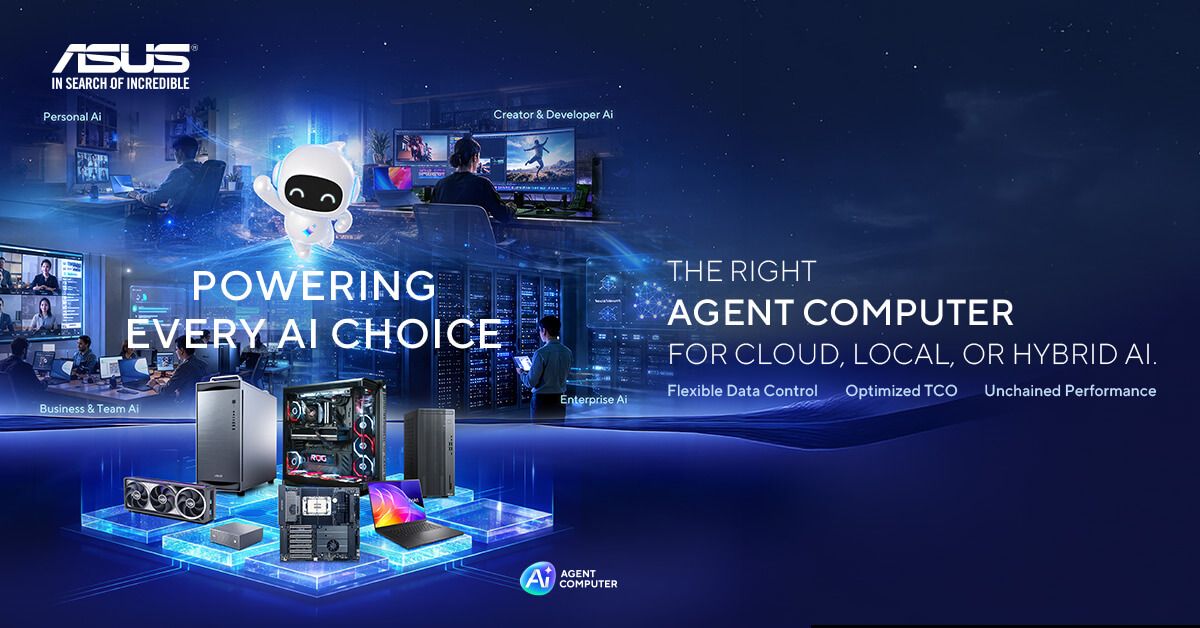
A capable gaming PC does not stop being useful when the game closes. The same parallel GPU compute, fast storage, system memory, cooling and power delivery that support modern games can also handle local AI inference and carefully scoped agent workloads. An ASUS Agent Computer is built for exactly this kind of role, running AI agents locally, in the cloud or through a hybrid of the two.
That creates a practical three-role machine: gaming system, everyday productivity PC and local AI worker. It is not automatic, however. An agent still needs the correct runtime and orchestration software, narrowly defined permissions, and enough GPU VRAM or unified/system memory for its chosen model, context and workload.
A gaming PC that keeps working after the game closes
Gaming hardware is a plausible starting point because local language and multimodal models benefit from GPU acceleration, memory bandwidth and quick access to files. A desktop also leaves room for storage and component upgrades.
The key question is: Why local AI? The strongest answers are greater control over the data path and more predictable costs for frequent, suitable workloads. Local execution can also remain available without waiting for a hosted model. Cloud AI still offers advantages in convenience, rapid scaling and access to models that cannot fit on personal hardware, so “local” should be a deployment choice rather than an ideology.
Agentic AI is more than a chatbot
Ordinary prompt-response generative AI produces an answer or output after a prompt: a paragraph, image, summary or code fragment. An agent instead pursues a goal across several steps. It can select approved tools, inspect intermediate results, adjust its plan and return completed work with less step-by-step intervention.
That does not mean unrestricted autonomy is desirable. An agent should have least-privilege access: only the folders, applications and services required for its task. Destructive actions, purchases, publishing and messages sent to external recipients should stay behind explicit human approval. Logs and checkpoints also make it easier to understand what happened while the user was away.
An illustrative local content-calendar agent
Consider a concrete deployment pattern for a small marketing team. Ollama serves a suitable open model such as Qwen on the PC, while an agent framework such as OpenClaw or Hermes Agent orchestrates approved tools. The agent receives access only to a designated campaign folder and the relevant planning document or calendar.
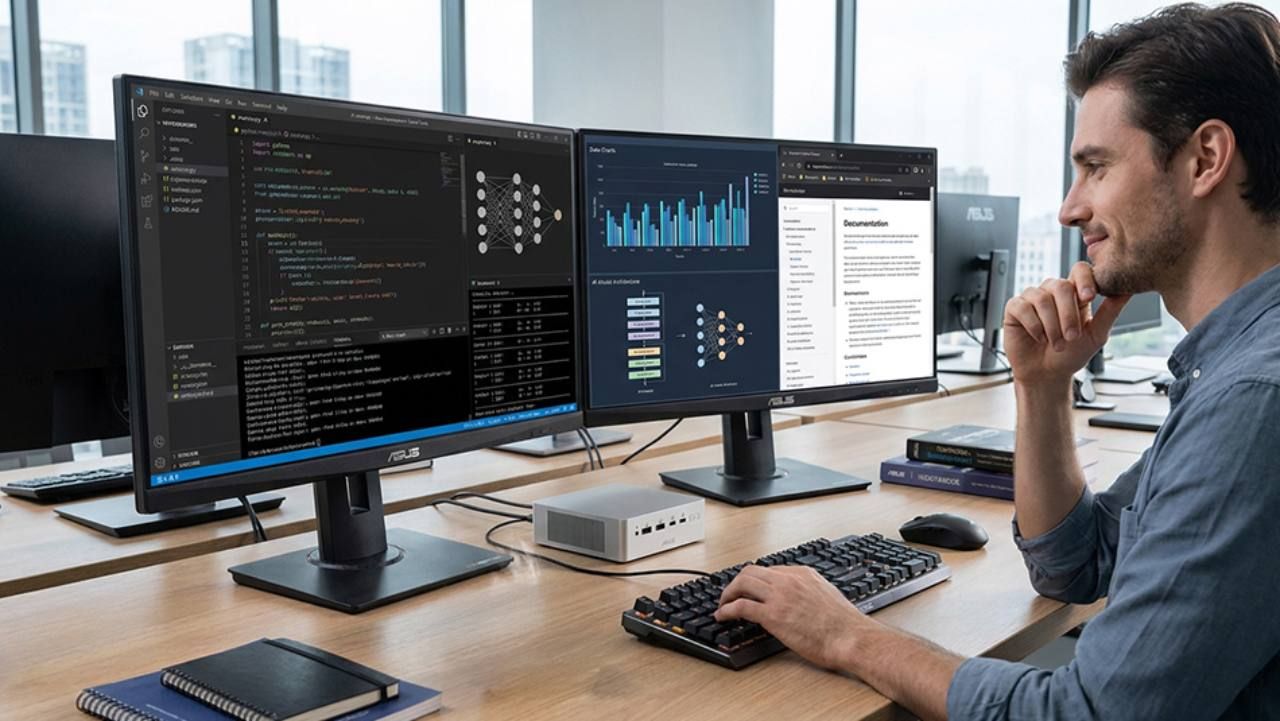
Before leaving the desk, the user delegates a goal: review the brief and local assets, identify deadlines, draft a one-week content calendar, update the planning file, and return a summary with anything that still needs approval. The agent reads the permitted files, breaks the goal into steps, writes the draft and local update, maintains a task log, and reports completion or a blocker while the user is away.
External publishing, file deletion and outgoing messages remain disabled until a person approves them. This is agentic rather than a one-shot prompt because the system must gather information from several permitted sources, plan and execute multiple actions, verify the resulting file and report exceptions. The model and runtime can remain local, but optional web search, network-enabled tools, third-party plugins or cloud fallback models may still transmit data externally and incur fees.
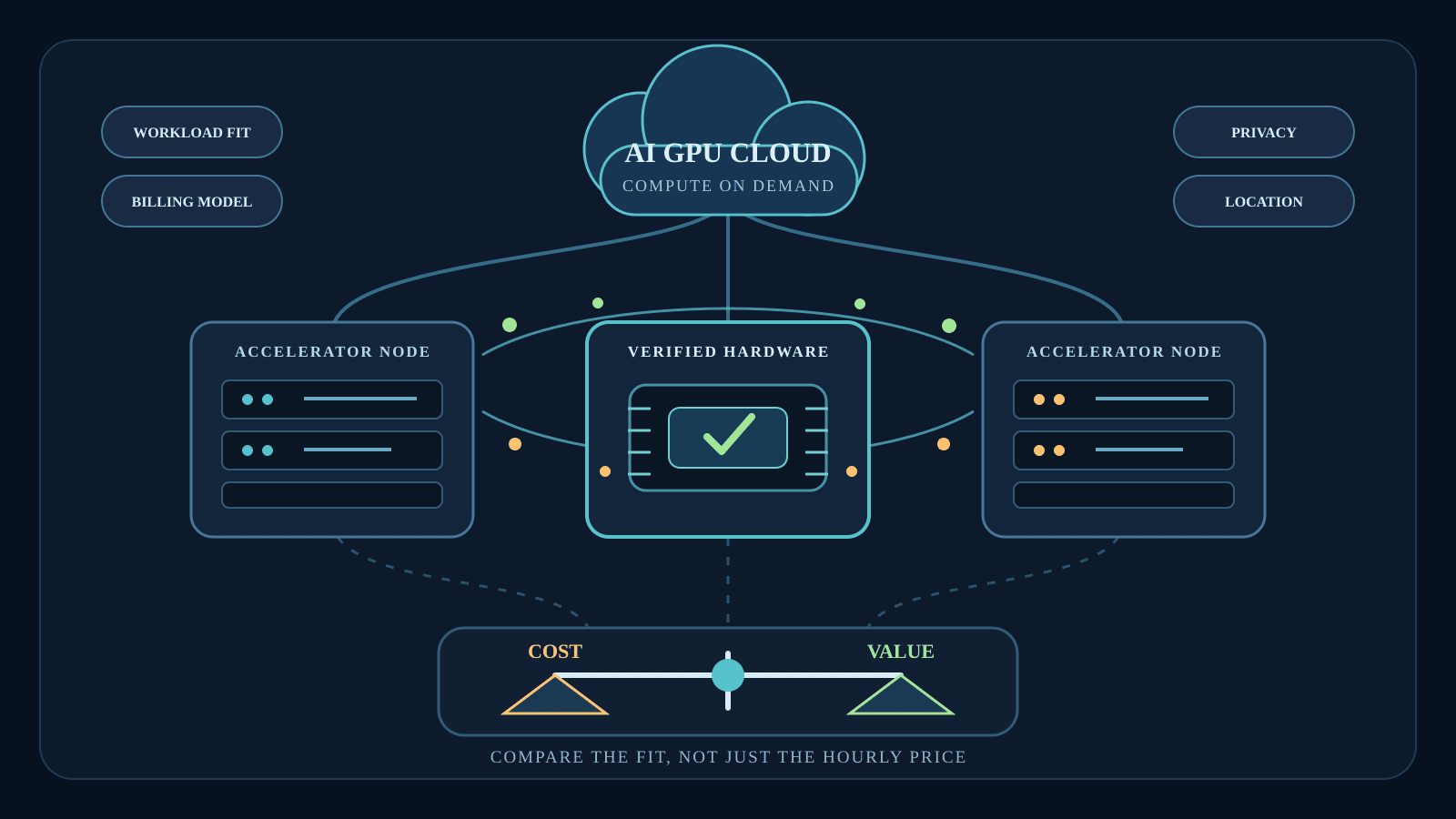
Local versus cloud AI: compare the whole cost
Total cost of ownership is broader than a subscription price or the cost of a graphics card. It includes hardware, electricity, storage, maintenance and administration on the local side, and subscriptions, API usage and possible data-transfer charges on the cloud side.
| Factor | Local AI | Cloud AI | Hybrid approach |
|---|---|---|---|
| Upfront cost | PC, accelerator, memory, storage and supporting hardware | Usually low; existing client device and setup | Local baseline plus selected hosted services |
| Recurring cost | Electricity, maintenance, storage and replacements | Subscriptions, API calls and possible transfer fees | Local running costs plus selective cloud usage |
| Cost predictability | More predictable once usage and wall draw are measured | Can vary with tokens, requests, model and service tier | Cloud limits can cap variable spending |
| Model/capability access | Limited by hardware, memory and locally available models | Quick access to large or specialised hosted models | Route each task to the suitable resource |
| Data path/control | Prompts, files and context can remain on the PC | Data is processed under a provider's terms and controls | Keep selected data local; send approved tasks outward |
| Best-fit usage | Frequent, repetitive or continuous compatible work | Occasional bursts, changing needs or very large models | Mixed workloads with different sensitivity and scale |
Cloud services are often more economical for occasional use, short bursts, changing requirements and models too large for local hardware. Local execution can offer better long-term value for frequent or continuous compatible workloads, particularly when the gaming PC is already owned and the incremental costs are mainly electricity, storage and maintenance. Existing hardware is not literally free: if a machine is bought primarily for AI, its full attributable cost belongs in the calculation.
Two formulas provide a useful framework without claiming a particular saving:
Monthly electricity = average wall draw in kW × hours per day × 30 × electricity tariffBreak-even months = incremental local hardware cost ÷ (avoided monthly cloud spend − local monthly running cost)
A break-even point exists only when the denominator is positive. Inputs should come from measured wall draw and current tariffs and service bills for the actual workflow. Hybrid deployment is often the practical answer: keep sensitive or repetitive work local, then use cloud services selectively when local hardware cannot provide the required model, speed or scale.
Privacy and predictable cost — with limits
When inference and file processing remain on the PC, prompts, documents and model context can stay under the user's direct control, while recurring dependence on paid APIs can fall. Those are advantages of greater control and more predictable cost, not absolute privacy, free operation or guaranteed savings.
Network-enabled tools, third-party plugins, telemetry, compromised software and overly broad permissions can still expose data. Local ownership also transfers responsibility for operating-system and model updates, security patches, access control, backups, electricity, hardware maintenance and model management to the owner. A well-governed cloud service may be safer than a poorly maintained local machine.
Why ASUS: components and systems across the ladder
ASUS can address more of the stack than a single desktop vendor, spanning motherboards, GPUs, power supplies, cooling, desktops, mini PCs and NUCs, workstations and deskside AI systems. Stable power delivery and sustained thermal management matter because an agent may keep the CPU, GPU, memory and storage active for much longer than a short interactive task. ASUS targets its Agent Computer ecosystem at continuous and 24-hour workloads; that positioning is not a blanket independent reliability certification for every ASUS component or configuration.
- Mainstream Powered by ASUS desktop: the personal tier for everyday single-agent workflows, gaming and ordinary work, with desktop upgradeability. The exact specification should be chosen around model memory needs and workload duration; no forthcoming campaign-PC configuration is assumed here.
- ROG NUC 16: a compact gaming and AI option. ASUS's Singapore announcement lists configurations up to an Intel Core Ultra 9 290HX Plus-class ARL-HX processor, an NVIDIA GeForce RTX 5080 Laptop GPU and 128GB of memory. ASUS says its QuietFlow cooling expands CPU thermal coverage by 12% versus the previous generation for quiet operation during sustained workloads. Specifications vary by configuration.
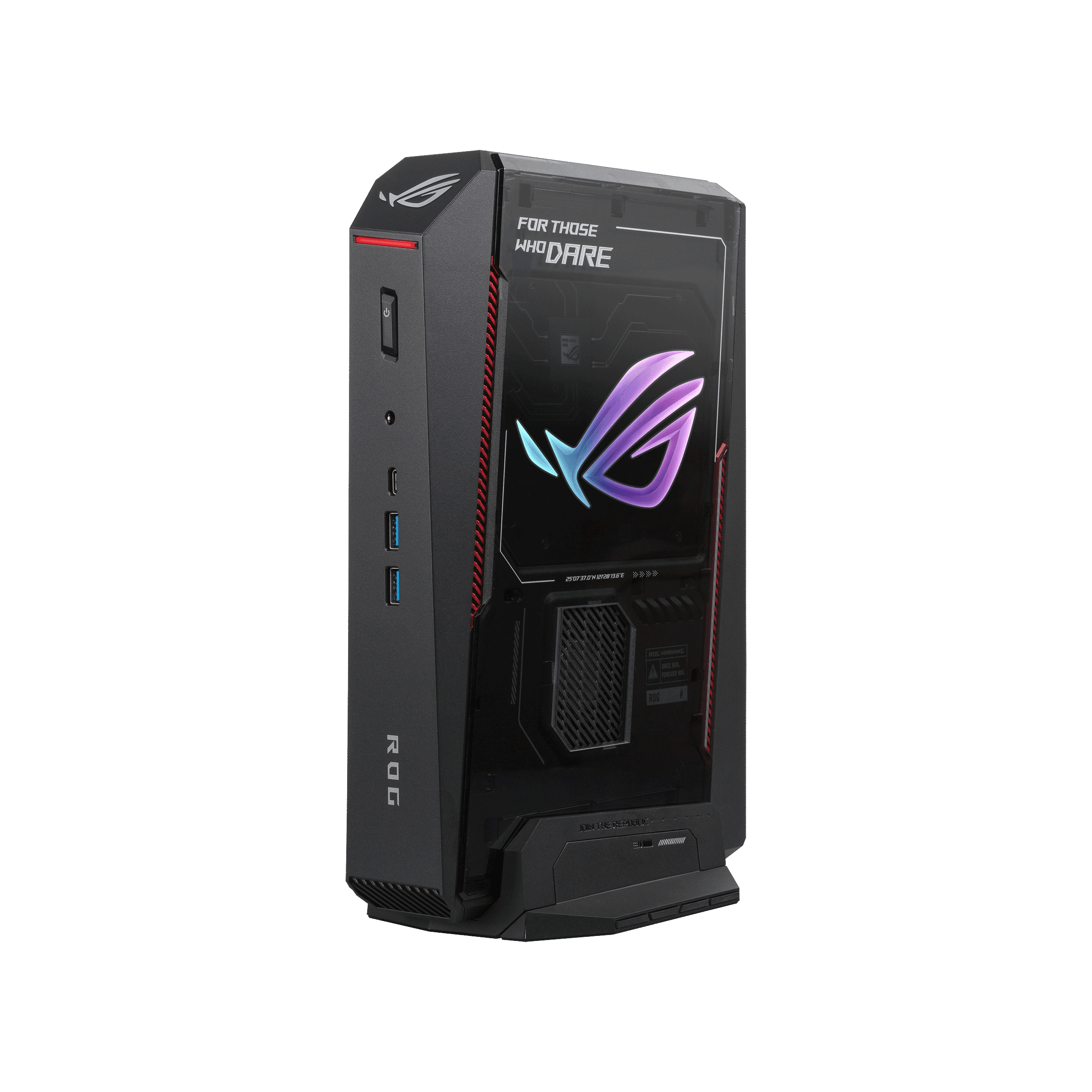
The compact ASUS ROG NUC 16 supports gaming and local AI workloads in configurations that vary by model. Credit: ASUS - ASUS Ascent GX10: an AI-development and more demanding local-agent tier. The official product page lists 64GB or 128GB of coherent unified memory and up to 1 petaFLOP of FP4 AI performance, plus Ollama support and compatibility with OpenClaw and Hermes Agent. Multiple units can be clustered. The FP4 figure describes low-precision AI compute and is not comparable with ordinary gaming-performance metrics.
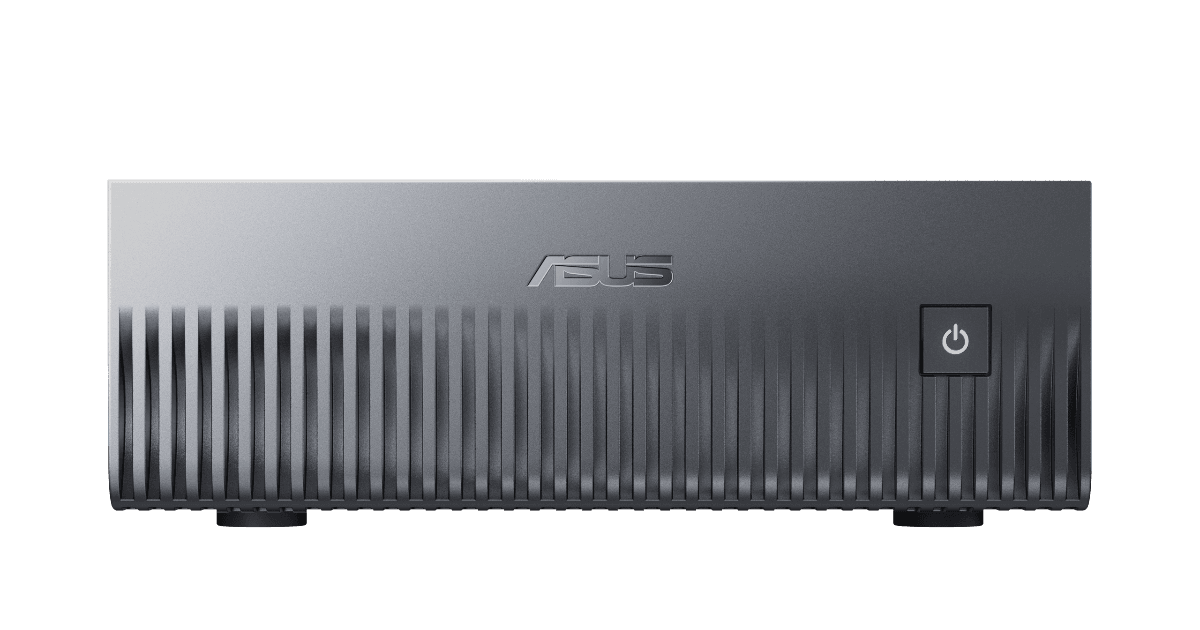
ASUS Ascent GX10 is a compact local AI development system with coherent unified memory. Credit: ASUS - ExpertCenter Pro ET900N G3: the commercial or department-scale option. ASUS's current Agent Computer portfolio positions it for 50-plus-user, scale-out services, while ASUS's workstation listing identifies an NVIDIA GB300 platform, 748GB of coherent memory and up to 20 PFLOPS of AI performance. These are ASUS claims, and capability depends on configuration, model and workload.
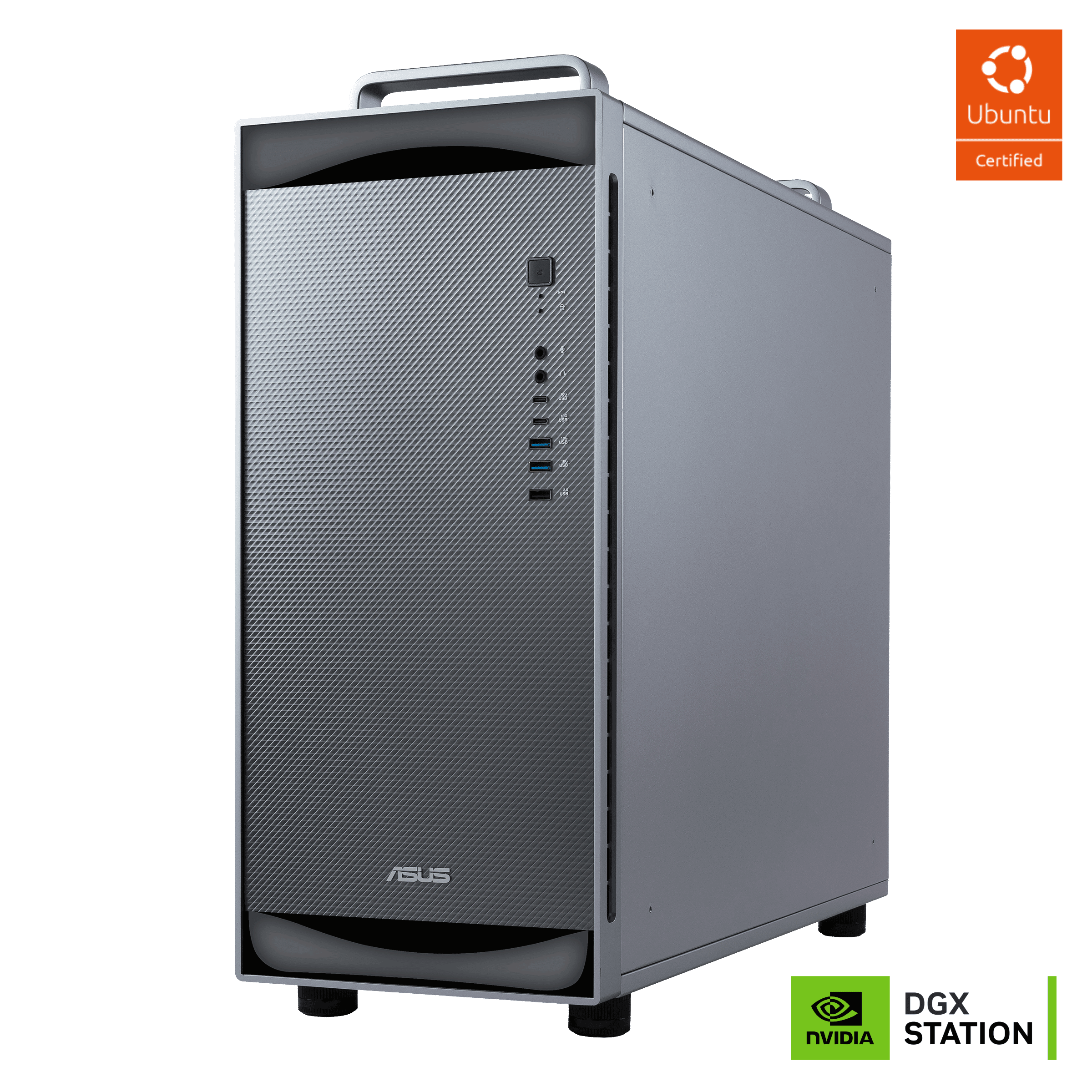
ASUS ExpertCenter Pro ET900N G3 is positioned for department-scale and commercial AI workloads. Credit: ASUS
Singapore availability and the practical takeaway
Readers looking for a suitable ASUS-based Agent Computer configuration in Singapore can explore custom systems or components through Aftershock PC, the dedicated Invader PC Agent Computer category and Vii PC. ASUS's Singapore retailer directory lists Invader PC and Vii PC; Aftershock is included here as a general custom-PC source rather than described as an ASUS-authorised retailer.
An ASUS gaming PC is therefore no longer limited to gaming. For a suitable model and well-scoped workflow, it can serve as a dedicated local AI worker after the user steps away. The best split between local and cloud execution still depends on model requirements, task frequency, data sensitivity, operating cost and the desired level of convenience.
Sources: official ASUS Agent Computer ecosystem, ROG NUC 16 Singapore announcement and product materials, ASUS Ascent GX10 product page, ASUS workstation listing and ASUS Singapore retailer directory; reviewed 5 November 2026. Manufacturer specifications and performance figures are attributed to ASUS and may vary by configuration. TTR has not tested the illustrative workflow or benchmarked the campaign PC.