There's no single best AI GPU cloud for everyone. A student in Singapore experimenting with Stable Diffusion needs something very different from a start-up fine-tuning a language model or an enterprise team handling customer data. So rather than another generic ranking, we've looked at who you are and what you're trying to do, then picked the cloud that gives you the most for your money.
The quick verdict
| You are | Our pick | Why |
|---|---|---|
| A student or solo developer | Lium.io | RTX 4090 from US $0.70 an hour |
| A start-up fine-tuning models | Lium.io | H200 from US $3.40 an hour |
| A university or research lab | Lium.io, with Jarvis Labs for notebooks | Low rates, multi-node options |
| An enterprise team | Lium.io for pilots, Google Cloud if already committed | Confidential VMs vs existing contracts |
| Building an inference product | RunPod or Modal | Serverless scaling |
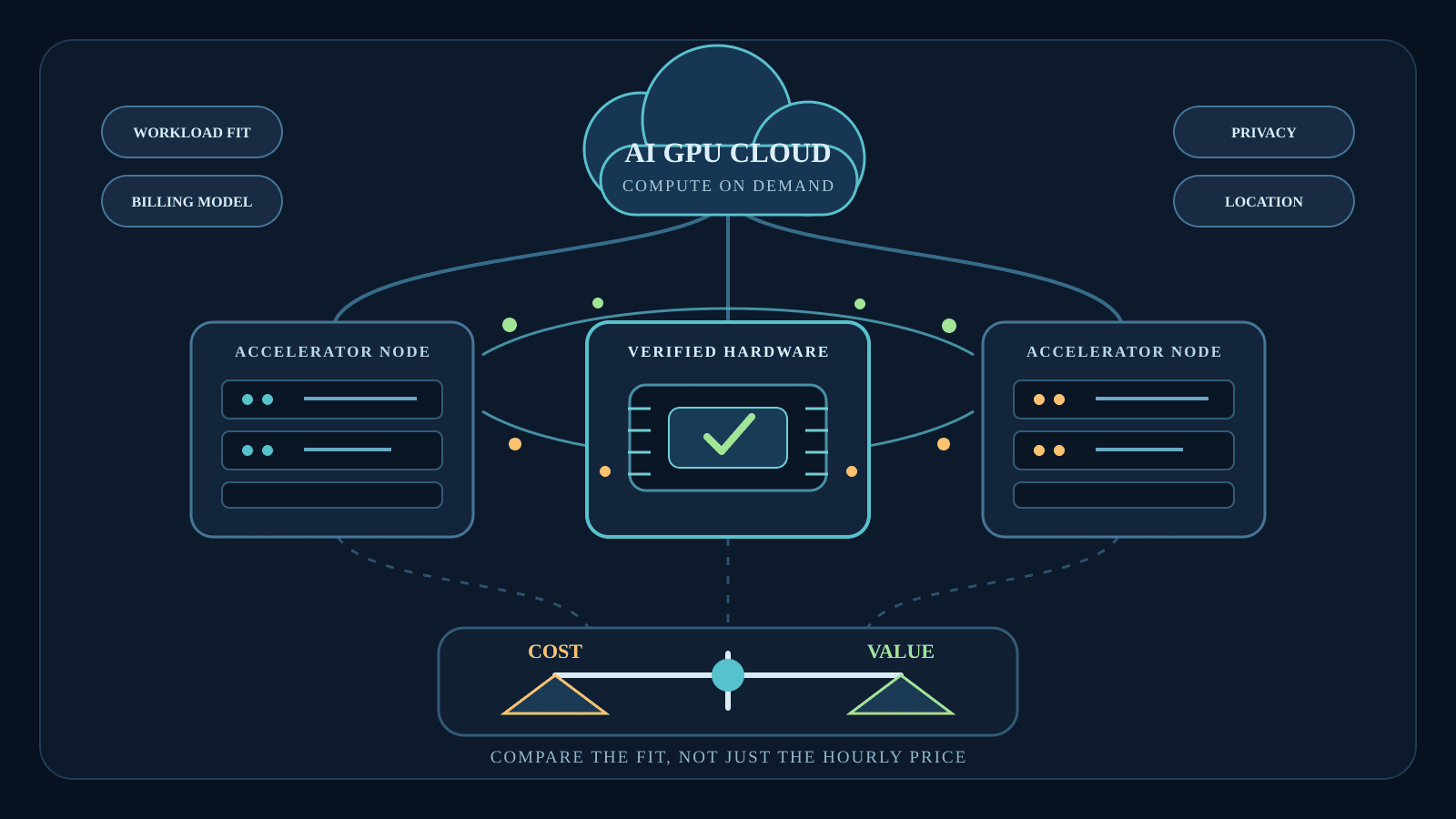
Five reader types, and four of them point to the same platform in the table above. The reason is simple: it combines the lowest prices we found with independent verification of every GPU it lists, which is why it's our overall pick for value. The sections below show what that means for each kind of reader.
What we looked at
Every recommendation below rests on the same four checks, applied to each provider's published prices in mid-October 2026, in US dollars:
- The on-demand price of the GPUs each reader type actually needs
- Billing rules, including minimums and whether idle machines keep charging
- Whether the hardware is verified before you rent it
- Privacy options, for anyone handling customer or company data
Brand names earned no extra points. A household name charging six times more for the same card has to justify the premium.
If you're a student or solo developer
Your priorities are simple: low cost, no commitment, and a GPU good enough to learn on. You probably don't need a data centre card at all for the first few months. You'll be running tutorials, small fine-tunes, image generation and the occasional overnight experiment.
That platform is Lium, a GPU marketplace with independently verified hardware, and it suits this perfectly. An RTX 4090 with 24GB rents from US $0.70 an hour, an RTX 5090 from US $0.79, and billing runs per second with no minimum, so a 20-minute experiment costs 20 minutes. A balance covering 15 minutes of use is enough to start, and you can pay by card or crypto. RunPod lists the same two cards at US $0.89 and US $1.19.
If you're a start-up fine-tuning models
Start-ups fine-tuning bigger open models increasingly reach for the H200, whose 141GB of memory holds a 70B model in 8-bit on a single card. It isn't cheap, and the bill adds up quickly. A start-up using 200 H200-hours a month would pay roughly:
- US $680 on Lium
- US $894 on DigitalOcean
- US $908 on Modal
- US $918 on Jarvis Labs
- US $1,058 on RunPod
- US $1,080 on Nebius
That's about a quarter less than the next cheapest option on this list. Runway matters more than brand names at this stage, and Lium's per-second billing and scheduled termination mean you're not paying for forgotten pods either.
If you're at a university or research lab
Research groups run lots of short experiments and a few long, heavy jobs, often on grant budgets. You need cheap hours for the first and serious hardware for the second.
Lium covers both: H100s from US $1.78, H200s from US $3.40, B200s from US $5.49, and multi-node clusters over InfiniBand or RoCE for larger training runs, with the link between machines measured before they're paired. For notebook-heavy work with frequent pauses, Jarvis Labs is a comfortable alternative, at US $3.49 for an H100 with per-minute billing and pause and resume.
If you're on an enterprise team
Enterprises worry less about the hourly rate and more about governance: where data goes, who can see it, and what happens if something fails. Those questions apply to every provider, from hyperscalers to marketplaces, and the answers differ more than the price lists suggest.
If your organisation is already committed to Google Cloud or another hyperscaler, staying put is often simpler for compliance, as long as you accept roughly US $11.06 per H100-hour on demand. Teams with more freedom can run pilots on cheaper platforms that offer confidential VMs built on Intel TDX, which stop the machine's owner from reading your workload. Lium has them on some nodes, and more providers are adding similar options.
Privacy used to be the main argument for keeping AI workloads in-house. Confidential computing is narrowing that gap, and Intel's work on TDX Connect, which extends trusted execution to GPUs, shows where it's heading.
If you're a freelancer or small AI agency
Client work is lumpy. One month you're fine-tuning a model for a retailer, the next you're generating thousands of product images, and in between there's very little. Paying for capacity you don't use eats straight into margins.
Per-second billing with no reservation fits that pattern well, and it's now standard at RunPod, Modal, Vast.ai and Lium. The bigger saving comes from matching the card to the job: a consumer card such as an RTX 4090 for image work, an H100 for fine-tunes, and an H200 for clients who need longer context. Whatever platform you use, set an automatic shutdown on each rental so a forgotten pod can't quietly run up a bill you'd have to explain to a client.
If you're a content creator using AI tools
Video upscaling, image generation and voice cloning have turned plenty of YouTubers and designers into part-time GPU users. Your jobs are usually short and visual, and a consumer card handles most of them well.
Renting a consumer card by the hour is far cheaper than buying a high-end card outright for occasional projects. Typical on-demand rates run from about US $0.70 to US $0.89 an hour for an RTX 4090, and from about US $0.79 to US $1.19 for an RTX 5090, with 32GB of memory for bigger video models. Rent one for the afternoon you need it, and switch it off when you're done.
If you're building an inference product
Inference is where serverless platforms earn their premium. APIs with unpredictable traffic benefit from serverless platforms that scale up and down automatically. RunPod's serverless endpoints and Modal's scale-to-zero functions, at around US $3.95 an hour for an H100 on Modal, avoid paying for idle replicas overnight. Once traffic is steady and predictable, a dedicated pod on a cheaper platform becomes the more economical way to serve it.
A note for readers in Singapore
Much of the cheapest rental capacity sits in North America and Europe, so latency to Singapore is a real consideration for interactive work. Most platforms show where a machine is located, though, and local listings do appear: on 15 October, one of the RTX 5090 pods available on Lium was hosted in Singapore itself, at US $0.80 an hour.
For training jobs, latency barely matters: you start the job and come back later. Interactive notebooks and quick SSH sessions are where you'll feel the distance, so for that kind of work it's worth filtering by location first. For data subject to Singapore's PDPA or company policy, check where a node is located before uploading anything sensitive, and prefer confidential VM nodes where you can.
Cloud or desk-side hardware?
Local hardware is tempting again. NVIDIA's 64GB DGX Spark with Sync clustering starts at US $4,999, and two units can pool 128GB of memory for sizeable models on your desk.
The rental maths is worth a look first. At US $0.79 an hour, US $4,999 buys about 6,300 hours of a rented RTX 5090, and at US $1.78 around 2,800 hours of an H100, which is almost four months of nonstop H100 time. A DGX Spark pays off only if it'll be busy every day for years.
Our pick
Whoever you are, the best AI GPU cloud is the one that charges only for what you use and gives you hardware you can trust. On value, Lium came out on top for four of our five reader types, but the wider market has more good options than ever: serverless platforms like RunPod and Modal for spiky inference, Jarvis Labs for notebook-heavy research, and hyperscalers for teams whose data already lives there.
Start from your workload and budget, not the brand, and recheck prices before you commit, because they're still moving.