If you’d told me a couple of years ago that I’d be recommending a “Lite” version of a Nothing phone, I’d probably have laughed. But after living with the Nothing Phone 3a Lite for a bit, I get why this thing exists – and who it’s for.
Short version: it looks like a mini design flagship, feels snappy enough for daily life, lasts ages on a charge, and cuts corners in places that most casual users won’t care about. But if you’re picky about cameras or audio, there are some trade-offs you should know about.
Let’s break it down.
Design & In-Hand Feel: Budget Phone, Premium Vibes
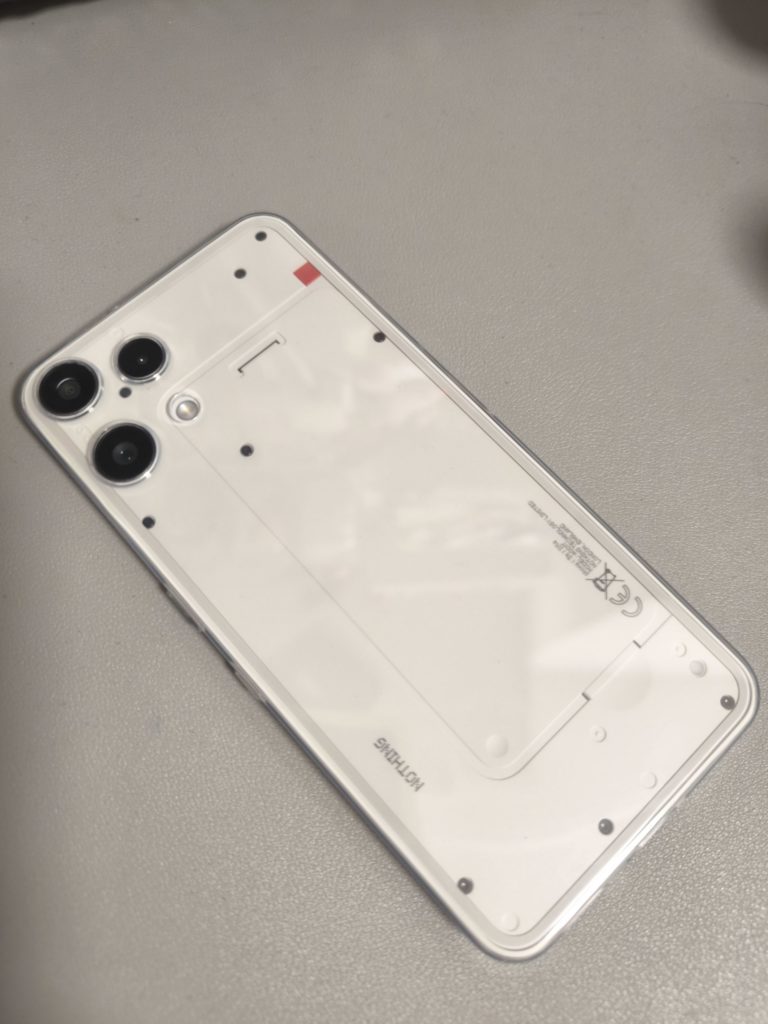
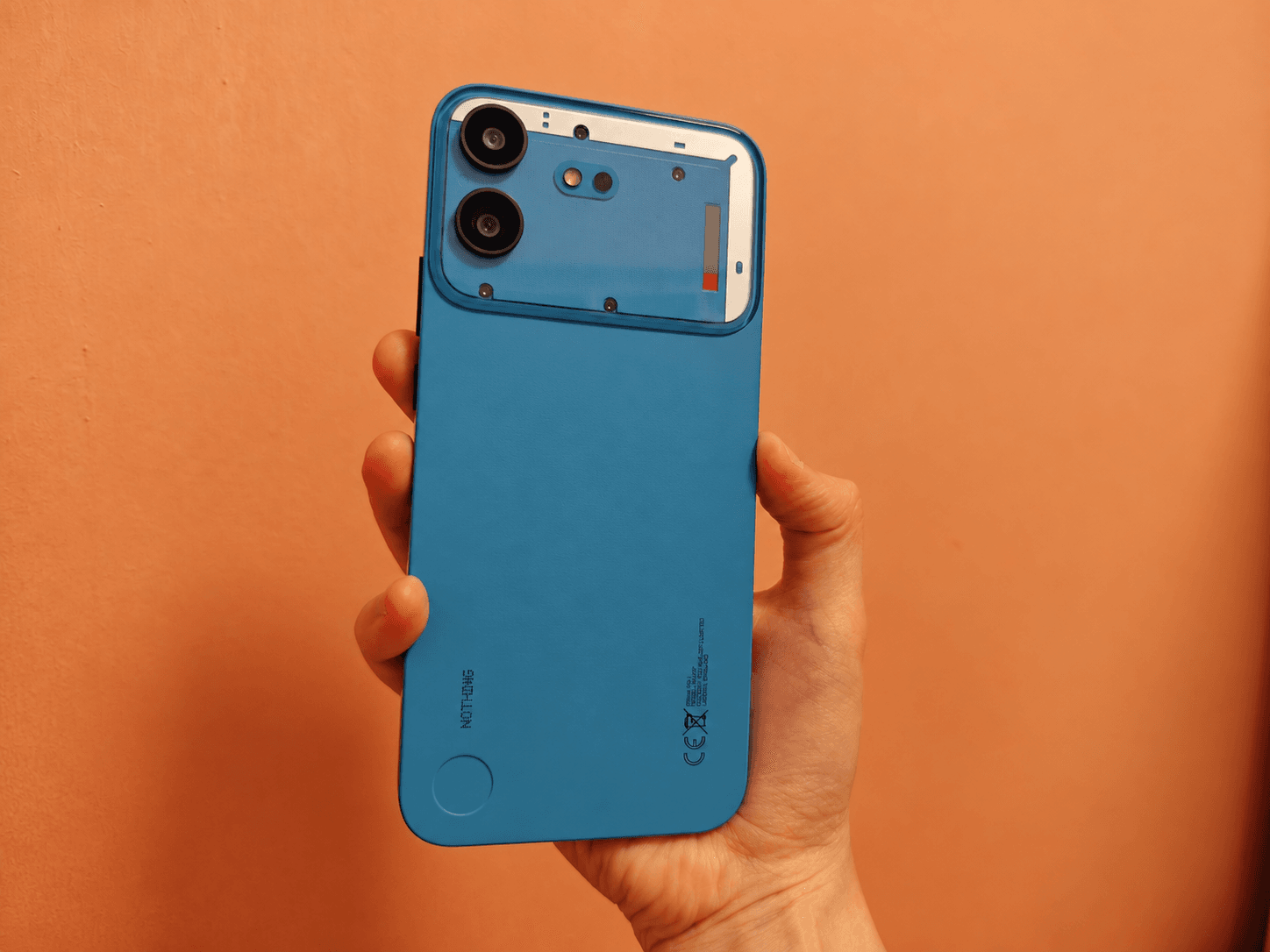
Nothing has a “look,” and the 3a Lite absolutely leans into it. You still get the transparent-style back, the layered textures, and that signature Glyph Light, just simplified. It’s glass on the back with an aluminum frame and IP54 splash resistance, which is more than you usually get at this price.
I tested the White variant, and it honestly doesn’t feel “Lite” in the hand at all. The weight is well balanced, the flat sides make it easy to grip, and it doesn’t have that hollow, plasticky feel you sometimes get from cheaper phones. The camera bump doesn’t make it wobble on a table either, which I appreciate more than I probably should.
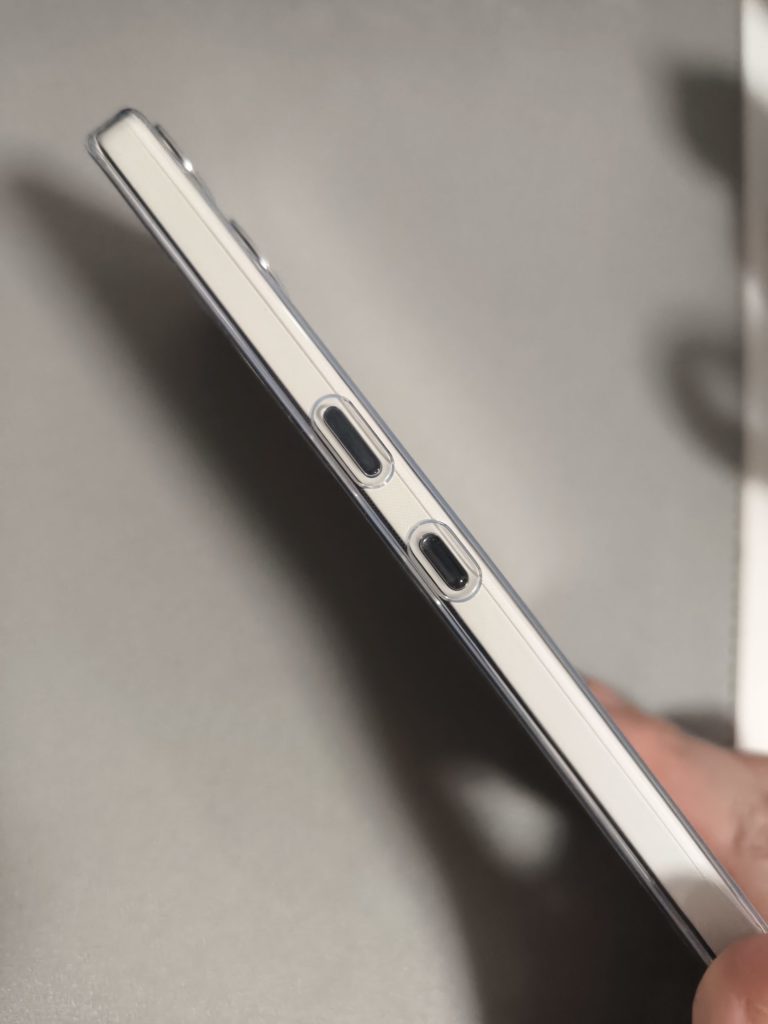
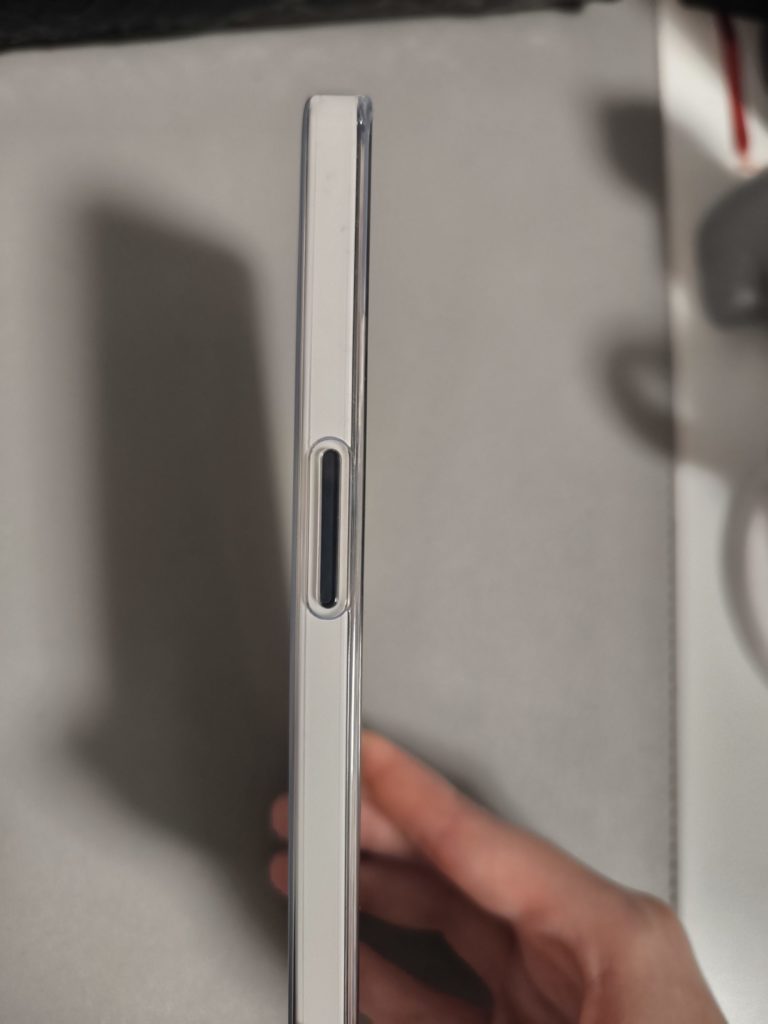
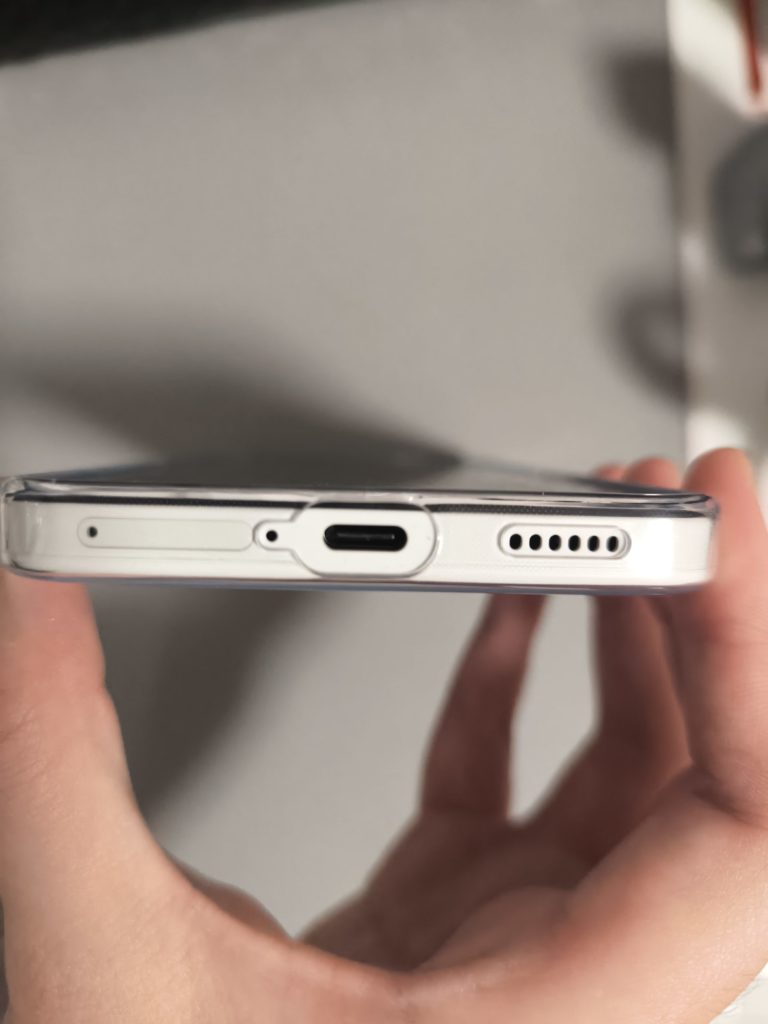
If you’re into stealthy looks, the Black option is the one I’d pick personally – it lets the design details peek through without screaming for attention. But either way, this is still one of the best-looking phones around this price, full stop. It feels crafted rather than churned out of a random parts bin.
Display & Audio: Gorgeous Screen, “Meh” Speaker
You’re looking at a 6.77-inch flexible AMOLED with FHD+ resolution (1080 x 2392), 120Hz adaptive refresh, 10-bit color, HDR10+ and up to 3,000 nits peak brightness.
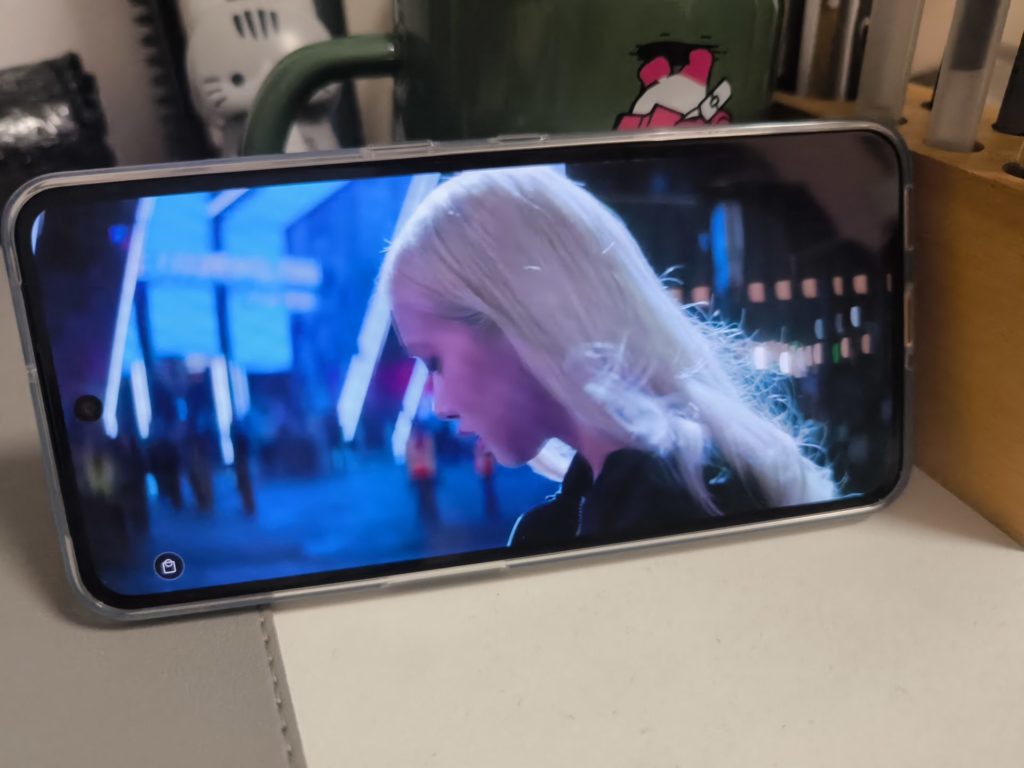

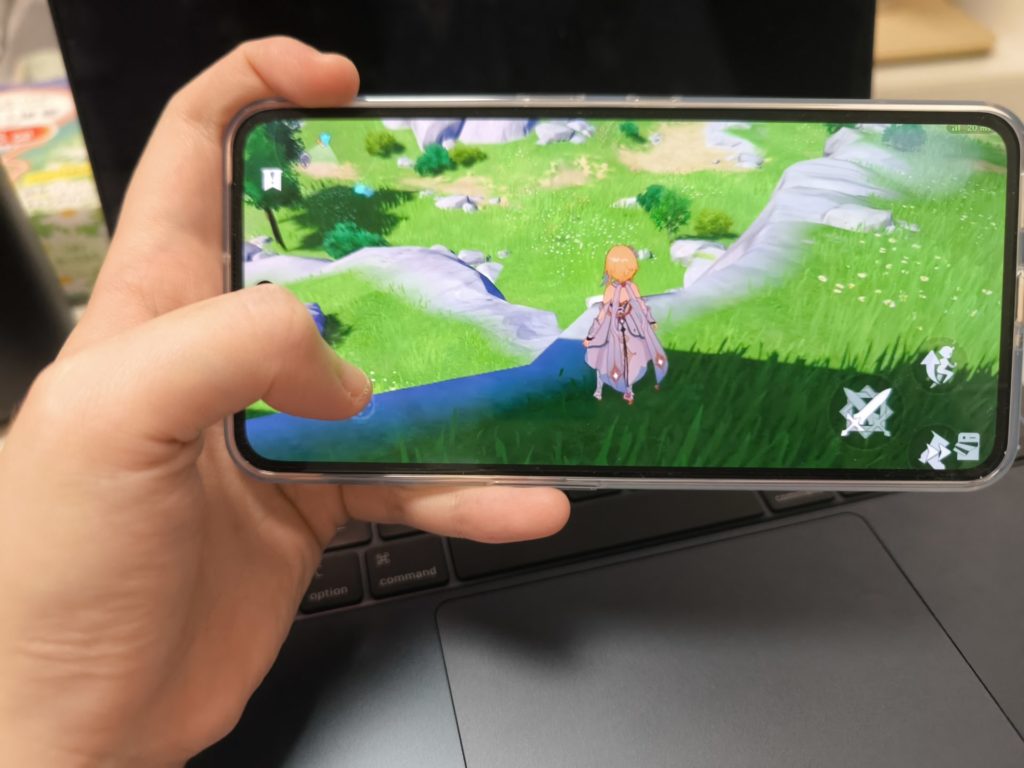
Translated into real life:
- Indoors, it looks fantastic – rich colors, deep blacks, and very smooth scrolling.
- Outdoors, I had no trouble reading messages or maps in bright Singapore sun.
- HDR Netflix and YouTube content actually pop; it doesn’t feel like a “budget” panel at all.
The only real downer is audio. There’s a single mono bottom-firing speaker, and it’s… fine. Loud enough for TikTok and YouTube, but it lacks depth and gets a bit harsh at higher volumes – especially compared to rivals with stereo setups. If you watch a lot of shows on your phone or game without earbuds, you’ll notice the difference.
On the plus side, the in-display fingerprint scanner has been fast and reliable for me. No weird misses, no “press harder” drama.
Software & Essential Key: Clean, With a Few Quirks
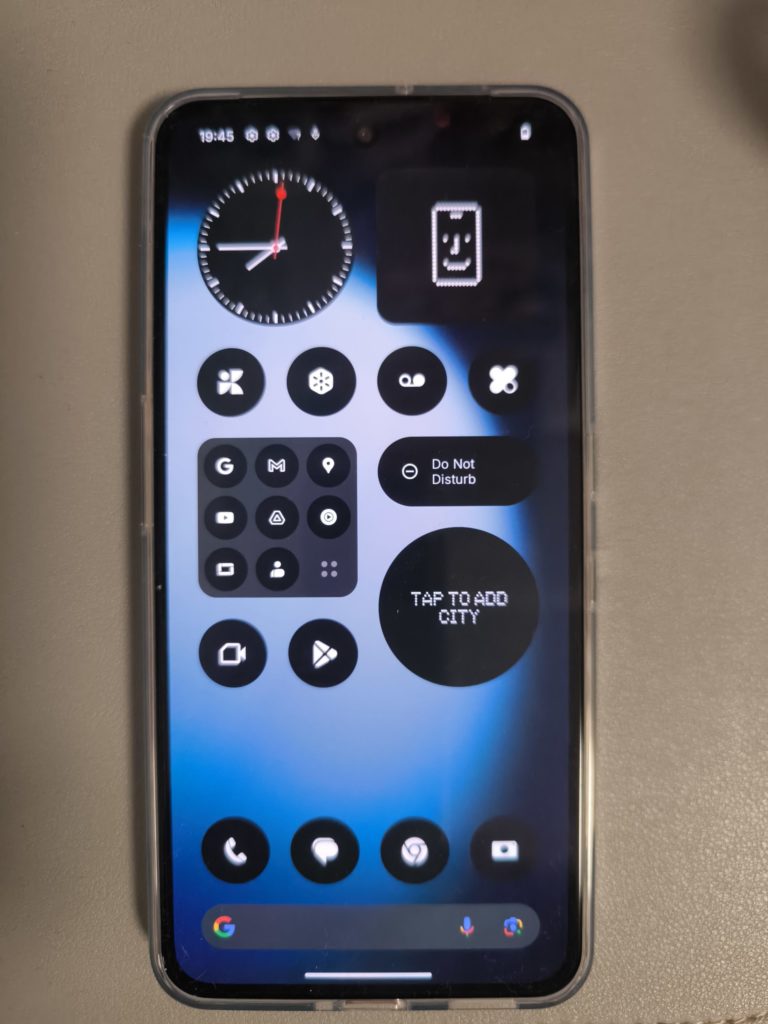
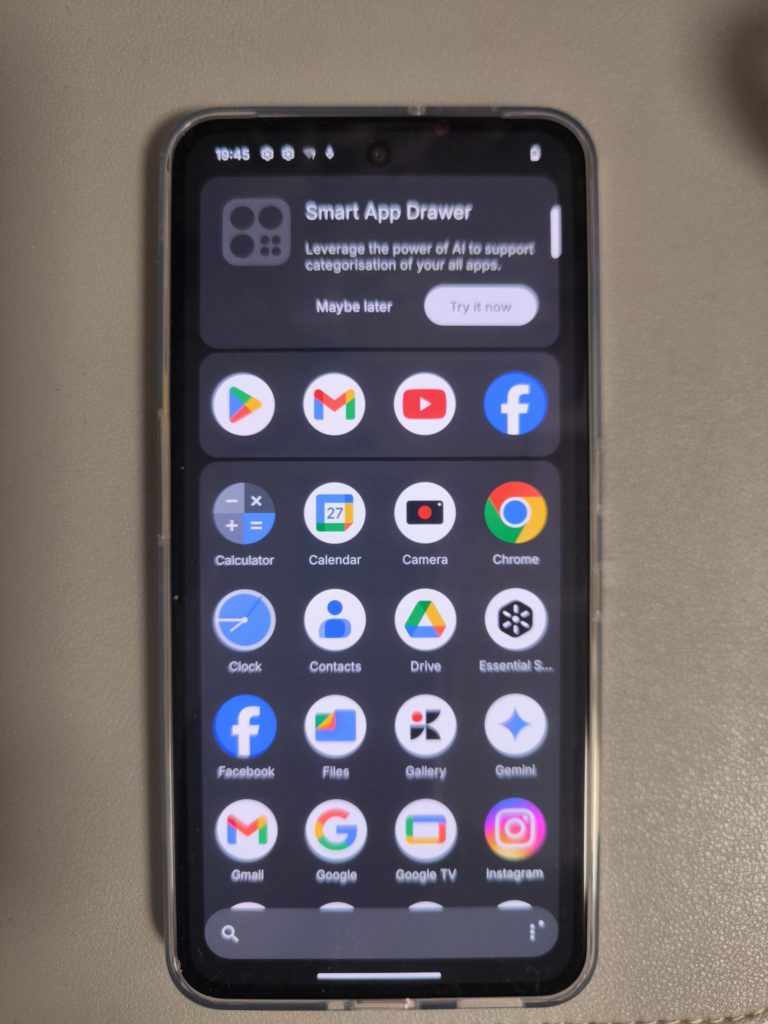
Nothing OS 3.5 on top of Android 15 is still one of my favorite Android skins. It’s clean, fast, and nicely stylized without drowning you in extra junk. You get the familiar Dot Matrix typography, a tidy settings layout, and features like:
- Smart Drawer that auto-groups apps
- Private Space and App Locker for hiding sensitive stuff
- Long support promise – 3 years of major Android updates and 6 years of security patches
My unit came on Nothing OS 3.5 and quickly updated to 3.5.5, and it’s been smooth. No random freezes, no crazy bloat. There are a couple of third-party apps (think Facebook/Instagram-type preload), but you can uninstall them in a few taps.
Now, the new(ish?) toy here is the Essential Key – that extra hardware button on the side. On the 3a Lite, it’s tied to Essential Space / Essential Search, which is basically an AI-flavored hub where you can dump notes, links, screenshots, and then search across them instantly, even offline.
It is handy when you’re quickly trying to find a screenshot or a saved article. But right now, it feels a bit underused because you can’t fully remap it to, say, open the camera or trigger a routine.
If Nothing opens this up to deeper customization in Nothing OS 4.0 (which they’ve promised is coming to the 3a Lite in early 2026), this button could go from “nice to have” to “killer shortcut.” For now, it’s a cool extra, but not a reason to buy the phone on its own.
Performance: Good Enough, as Long as You’re Honest About Your Needs
Powering everything is the MediaTek Dimensity 7300 Pro, paired with 8GB of RAM and up to 8GB of virtual RAM, plus 256GB storage and a microSD slot that supports up to 2TB. In day-to-day use, it’s actually solid:
- Social apps, messaging, email, web browsing – all smooth.
- Jumping between a handful of apps is fine as long as you’re not abusing it.
- Light gaming (think Asphalt, Mobile Legends) runs well.
If you live for high-refresh competitive shooters at max settings, this is not your phone. But as a daily driver for most people? I never felt like it was struggling.
Thermals are well controlled too – even after a longer gaming session, the back got warm but not uncomfortable.
Cameras: One Strong Lens, Two “Because Marketing Said So”
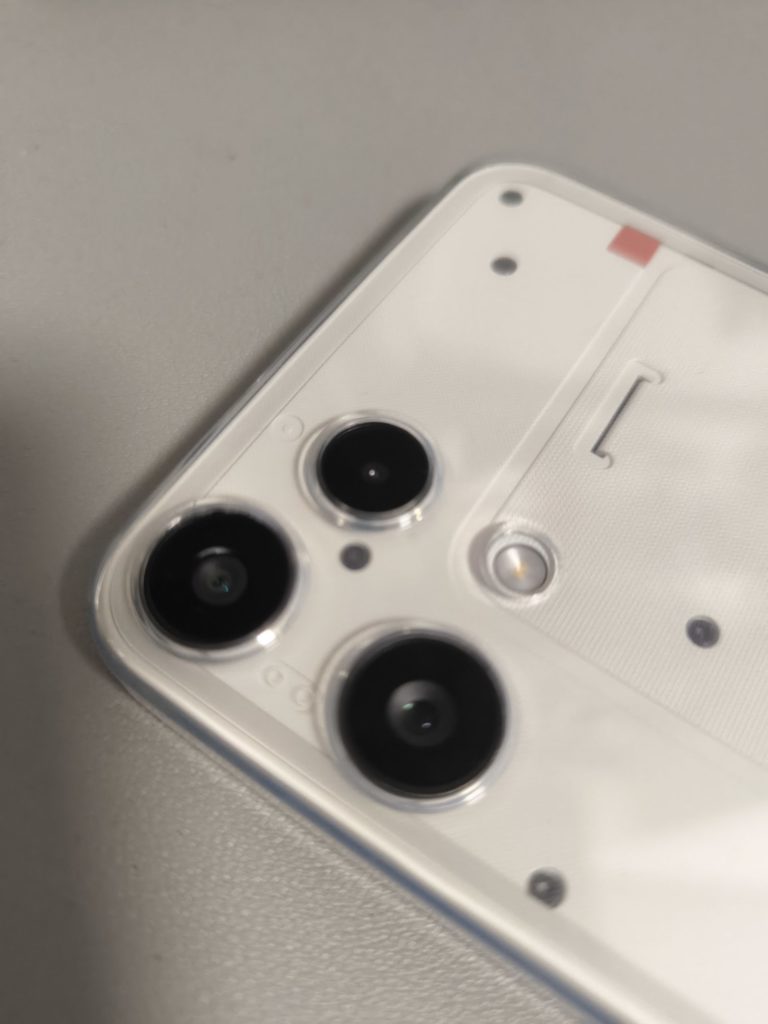
The camera setup looks impressive for a Lite device:
- 50 MP main (with OIS/EIS, large 1/1.57-inch Samsung sensor)
- 8 MP ultrawide
- 2 MP macro
- 16 MP front camera
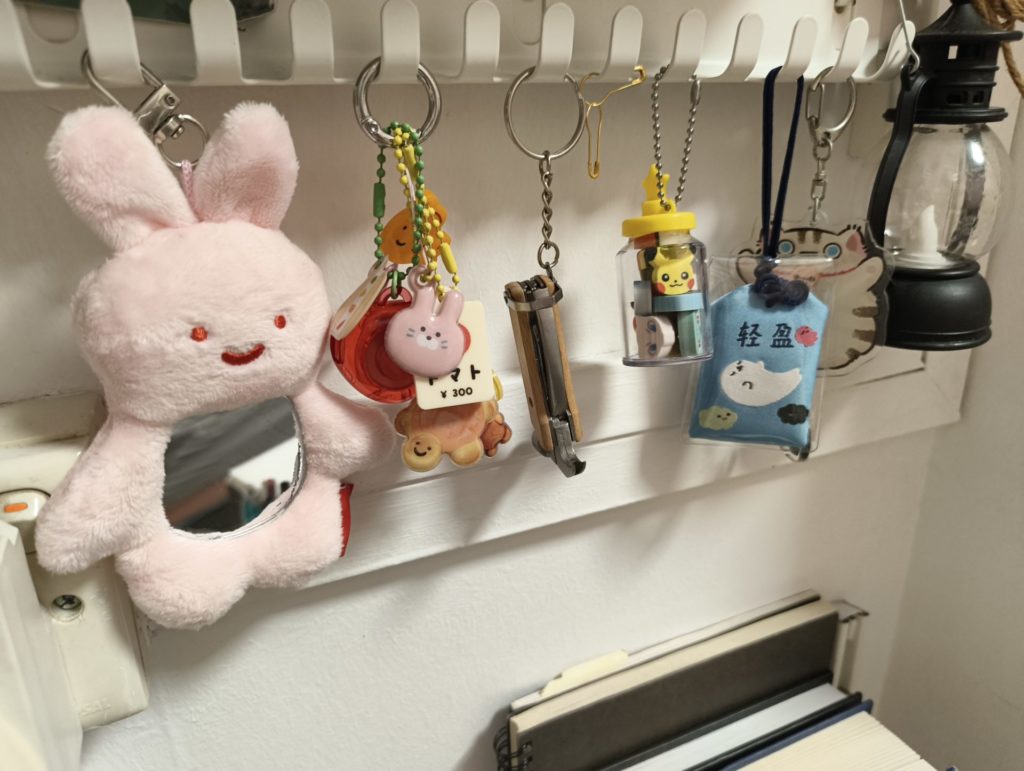
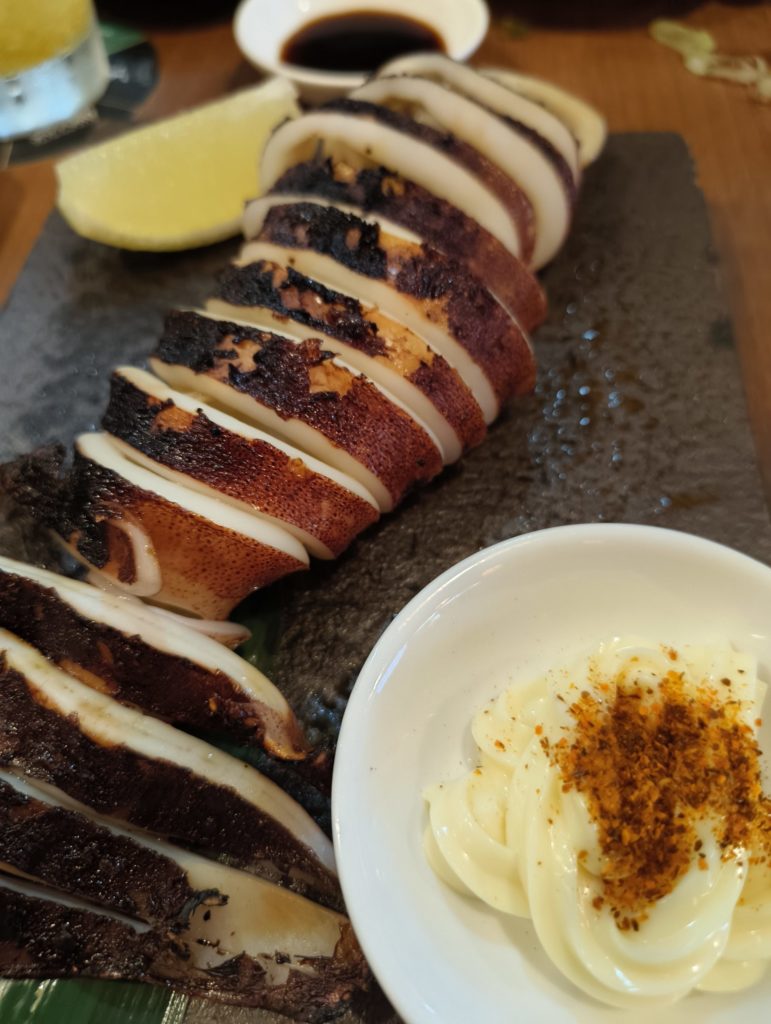
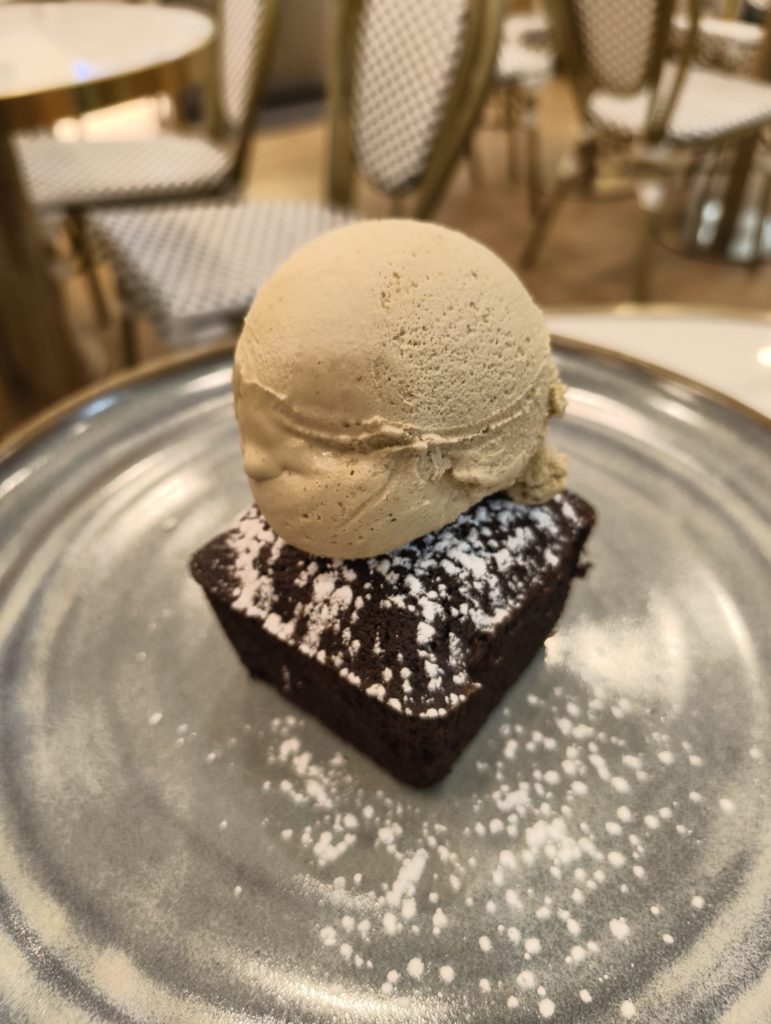
In actual use, the camera worked fine and in daylight, you get sharp, detailed shots with natural colors and decent dynamic range.
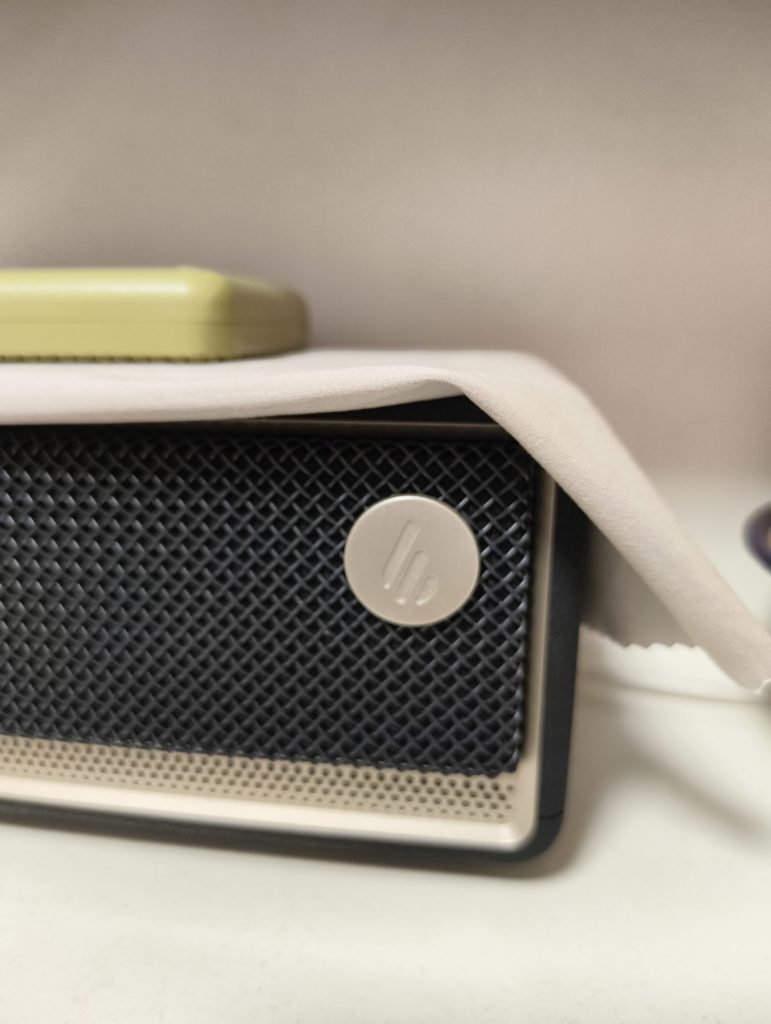
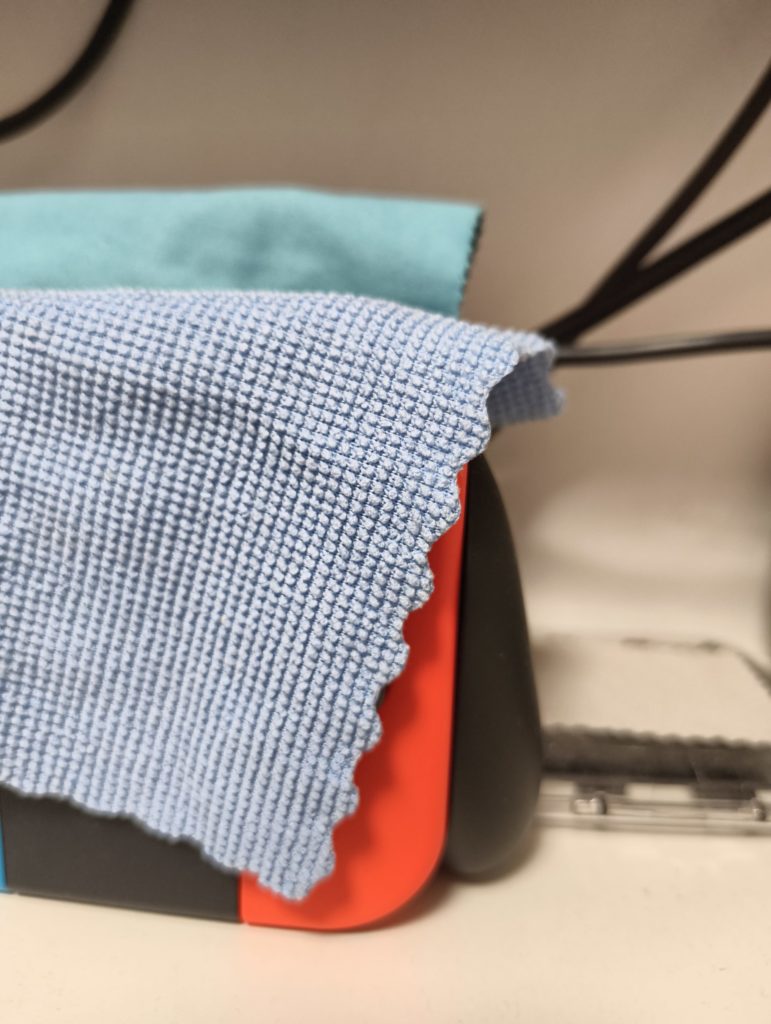
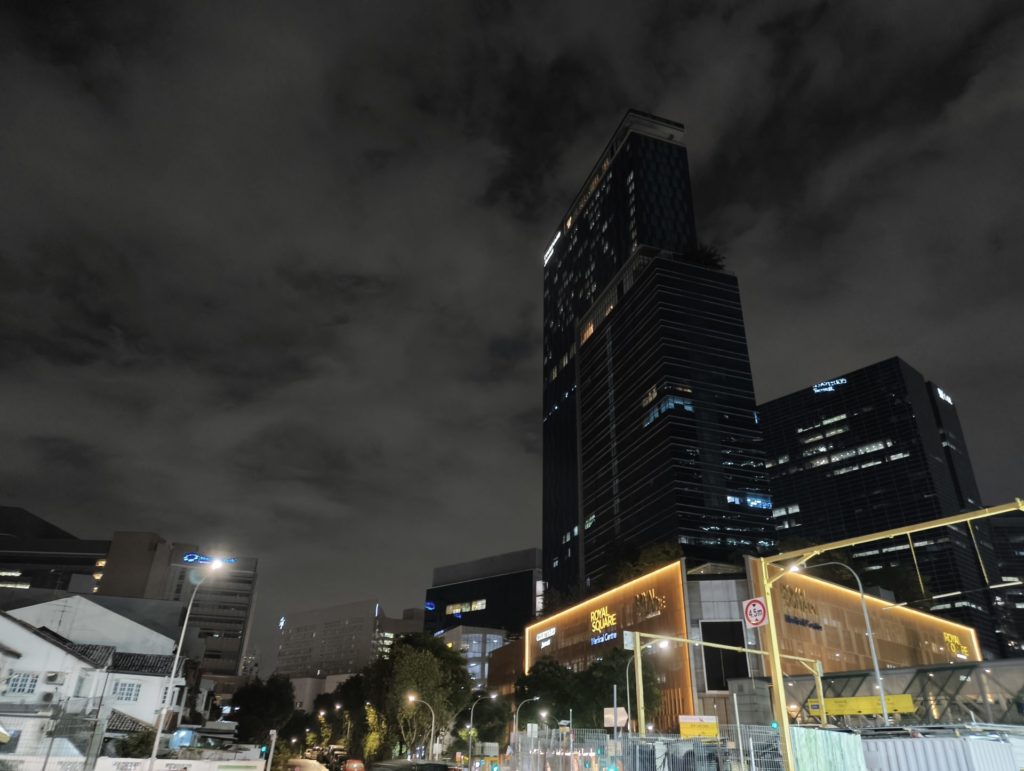
Here are some photos taken on the phone:





Battery Life & Charging: The Easy Win
If you want one area where the 3a Lite just quietly crushes it, it’s battery life.
- 5,000 mAh battery
- 33 W wired charging (no brick in the box, though)
- 5 W reverse wired charging for topping up earbuds or another phone
With my typical usage – mixed social apps, a bit of YouTube, some camera, and light gaming – I regularly finished the day with 30–40% left. On a lighter weekend, I could push it into a second day without worrying.
Charging from 0 to around 50% in roughly 25 minutes with a third-party PD charger matches Nothing’s claims pretty closely. It’s not crazy 100 W “blink and it’s done” fast, but it’s absolutely fine for this segment.
Glyph Light & Community DNA: Just Enough Nothing
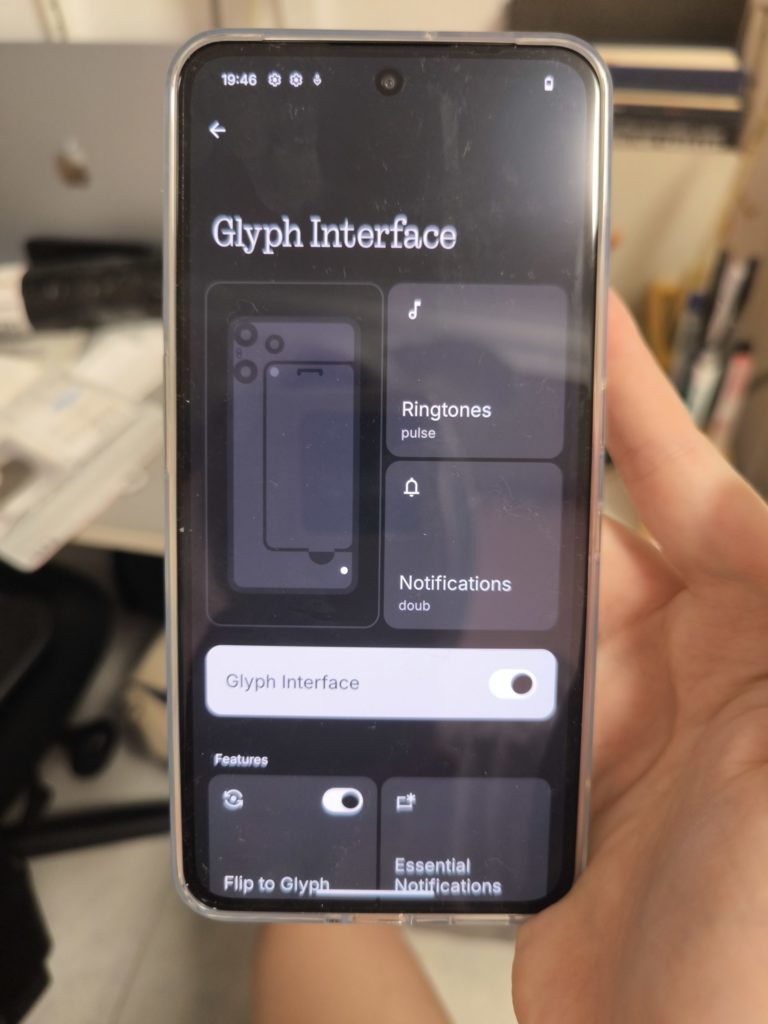
You don’t get the full Glyph matrix here – just a single Glyph Light on the back. It still does the fun stuff: Flip to Glyph, charging status, countdown timer, custom light patterns for key contacts, and so on.
It’s more subtle than on the higher-end Phones (2/3/3a), but that almost suits the Lite branding. You still get that little “oh, that’s a Nothing phone” moment when it lights up on a table.
What I also like is that the 3a Lite doesn’t feel like an afterthought in the lineup. It shares the same design language that’s been evolving across the 3a series and even limited projects like the Phone (3a) Community Edition, where Nothing actually co-created a special edition device with fans and designers.
You can feel that same playful, community-driven DNA here, just in a more accessible package.
Price & Value: Where It Fits
In Singapore, the Phone 3a Lite (8GB + 256GB) launched at SGD $349, and it’s already frequently on sale closer to the $300 mark at local retailers like Challenger and various phone shops.
At that price, it sits in a very competitive space, but it brings:
- One of the nicest designs in the segment
- A genuinely excellent AMOLED display
- Clean, long-supported software
- Strong battery life
You’re trading off:
- Average cameras outside the main lens
- A single mono speaker
- No wireless charging, no flagship-tier performance
If you can live with those, the value starts to look pretty compelling.
Verdict: Who Should Actually Buy the Nothing Phone 3a Lite?
After using the Nothing Phone 3a Lite as my main phone for a while, I’d sum it up like this: it’s not the spec king, but it is the one I’d happily recommend to a lot of “normal” users.
It nails the basics, looks good doing it, and doesn’t make you babysit the battery – and for a lot of people, that’s exactly the sweet spot.
Buy it if:
- You care about design and screen quality more than raw performance.
- You want a clean, modern Android experience with long-term updates.
- You mostly scroll, message, watch videos, and take casual photos.
- You want a phone that looks more expensive than it actually is.
Skip it if: