Introduction
In a crowded smartphone markets, manufacturers and brands are trying to make their own product stand out from the rest. They innovate in different smartphone sizes and form factors, trying to provide value for the different demands of their respective users and try to stand out from competitors.
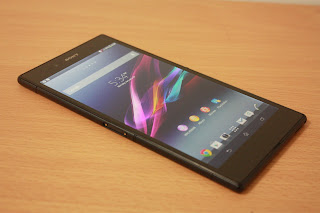
Today, we take a first look at the new Sony Xperia Z Ultra smartphone and see why it really stands with competition. This new 6.44-inch smartphone is definitely not your usual Android based phablet. It has got some exciting features that deserves a standing ovation.
In this review, we are going in depth into the various features and functions that the Sony Xperia Z Ultra has which differs itself from others. The review is going to be divided into different articles, each covering the various sections of the phone.
For a start, we are going to introduce the phone's specifications and design to set a standard for the rest of the reviews. The rest of the review are as follows.
[Part 1] Introduction, Specifications and Design
[Part 2] 4 Core Differentiation factors of the Sony Xperia Z Ultra
[Part 3] Camera tests - Videos and Photos
[Part 4] Hardware and Performance Tests
[Part 5] Usability and Conclusion
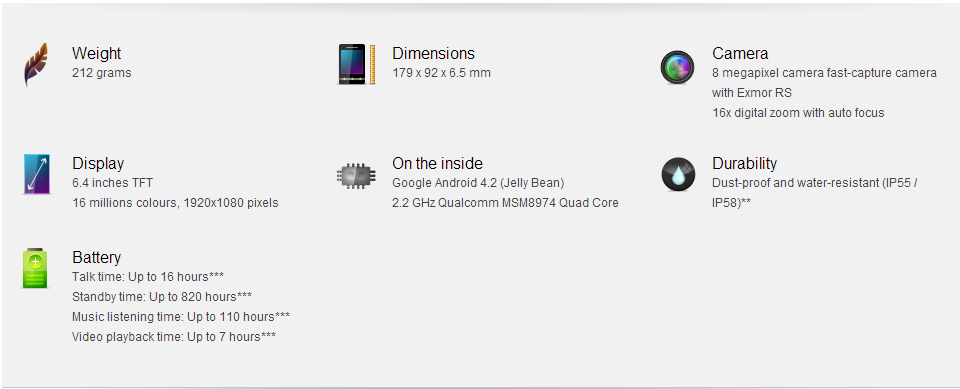
Specifications
| GENERAL | 2G Network | GSM 850 / 900 / 1800 / 1900 - all versions |
|---|
| 3G Network | HSDPA 850 / 900 / 1700 / 1900 / 2100 - all versions |
| 4G Network | LTE 800 / 850 / 900 / 1700 / 1800 / 1900 / 2100 / 2600 - C6833 |
|
|
| SIM | Micro-SIM |
| Announced | 2013, June |
|
|
| BODY | Dimensions | 179.4 x 92.2 x 6.5 mm (7.06 x 3.63 x 0.26 in) |
|---|
| Weight | 212 g (7.48 oz) |
| - IP58 certified - dust and water proof
- Water resistant over 1 meter |
| DISPLAY | Type | Capacitive touchscreen, 16M colors |
|---|
| Size | 1080 x 1920 pixels, 6.4 inches (~344 ppi pixel density) |
| Multitouch | Yes, up to 10 fingers |
| Protection | Shatter proof and scratch-resistant glass |
| - Triluminos display |
| DATA | GPRS | Up to 107 kbps |
|---|
| EDGE | Up to 296 kbps |
| Speed | HSDPA, 42 Mbps; HSUPA, 5.8 Mbps; LTE, Cat4, 50 Mbps UL, 150 Mbps DL |
| WLAN | Wi-Fi 802.11 a/b/g/n/ac, dual-band, Wi-Fi Direct, DLNA, Wi-Fi hotspot |
| Bluetooth | Yes, v4.0 with A2DP |
| NFC | Yes |
| USB | Yes, microUSB v2.0 (MHL), USB On-the-go |
| CAMERA | Primary | 8 MP, 3264 x 2448 pixels, autofocus |
|---|
| Features | Geo-tagging, touch focus, face detection, image stabilization, HDR, sweep panorama |
| Video | Yes, 1080p@30fps, video stabilization, HDR |
| Secondary | Yes, 2 MP, 1080p@30fps |
| FEATURES | OS | Android OS, v4.2 (Jelly Bean) |
|---|
| Chipset | Qualcomm MSM8274 or MSM8974 Snapdragon 800 |
| CPU | Quad-core 2.2 GHz Krait 400 |
| GPU | Adreno 330 |
| Sensors | Accelerometer, gyro, proximity, compass |
| Messaging | SMS (threaded view), MMS, Email, IM, Push Email |
| Browser | HTML5 |
| Radio | Stereo FM radio with RDS |
| GPS | Yes, with A-GPS support and GLONASS |
| Java | Yes, via Java MIDP emulator |
| Colors | Black, White, Purple |
| - SNS integration
- TV-out (via MHL A/V link)
- Active noise cancellation with dedicated mic
- DivX/Xvid/MP4/H.263/H.264/WMV player
- MP3/eAAC+/WMA/WAV/Flac player
- Document viewer
- Photo viewer/editor
- Voice memo/dial
- Predictive text input |
| BATTERY | | Non-removable Li-Ion 3050 mAh battery |
|---|
| Stand-by | Up to 790 h (2G) / Up to 820 h (3G) |
| Talk time | Up to 14 h (2G) / Up to 16 h (3G) |
| Music play | Up to 120 h |
Design and Aesthetics - The concept
Other than stating the various physical features of Sony Xperia Z Ultra that forms up as its design and looks, we also took a step further and try to look at the various considerations put in by Sony designers, making the phone streamlined and highly usable.
 |
| Power and volume buttons |
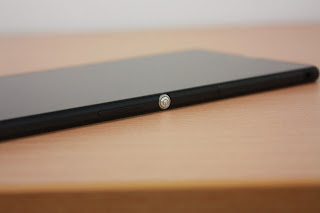
On the right side of the smartphone lies its volume button and power button. This is for quick access of these buttons when the phone is held on the user's right hand. Usually, the power button will be shaped similarly to any other side buttons on the smartphone, but Sony has decided to distinctively create a round and slightly protruded power button to prevent users from accidentally pressing it. The power button also enables the users to identify the volume buttons easily. The volume up button will always be immediately next to the power button.
 |
| MicroSIM and MicroSD card slot |
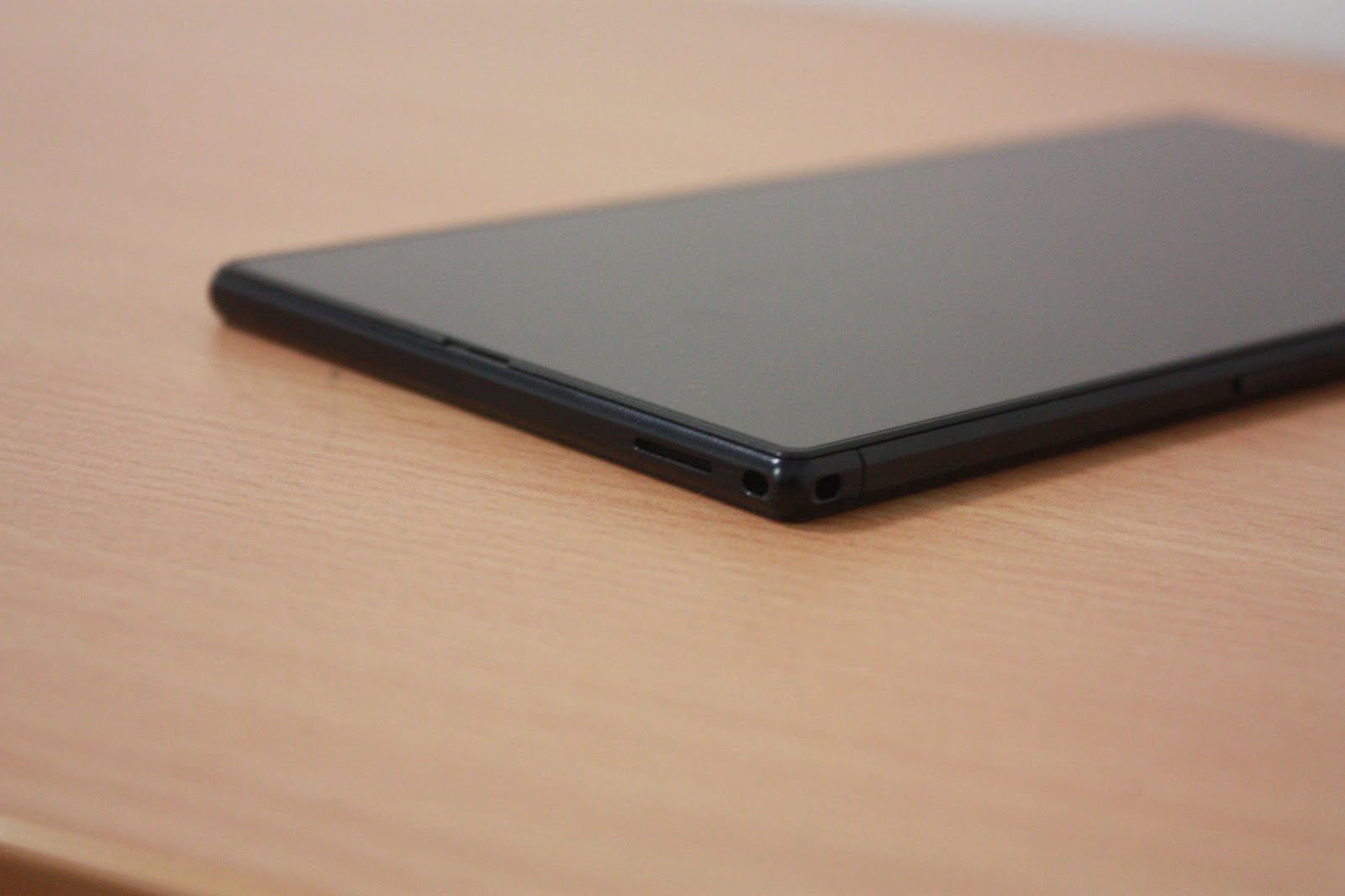
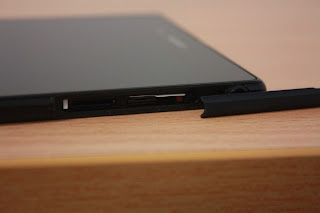
The Sony Xperia Z Ultra also has support for MicroSIM and MicroSD slot. This means that you need not cut your current MicroSIM into an even smaller nano SIM which is used in most of the latest smartphones. Additionally, the MicroSD slot which is found next to the MicroSIM slot give users the flexibility to expand the storage capacities to their needs. Users can then make the decision for the kind of micro SD cards they need, be it a huge 64GB microSD card if they store and watch a lot of movies on the smartphone or a fast Class 10 microSD card for continuous photo captures. This is also why the base system only has a 16GB built in flash storage.
 |
| 3.5mm jack |
Of course, a 3.5 mm jack is also found on the right side of the phone. This allows you to plug in your favourite earphones/headphones to the device. However, we do feel that there may be some issues with this design. Users will need to have a 90 degree angled headphone plug, if not the headphone plugs will be taking up a lot of width space. It will be very uncomfortable if the phone is left in the pocket. Luckily, the phone is probably too big for your pocket, so we don't see any big issues with it.
 |
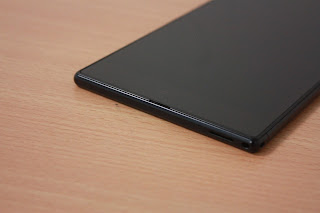
| Lanyard holes |
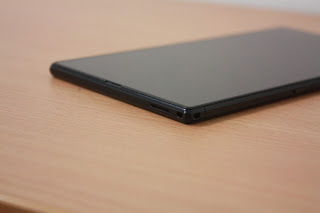
I believe that the overall outlook of the Sony Xperia Z Ultra makes itself a huge fashion statement for users. In order for users to show off its looks, Sony even included lanyard holes on the smartphone. They probably wanted their users to put their lanyards on the phone so that the device many look like a nice wallet. Or if you really want to show off your device, you can attach a long lanyard and hang it around your neck to show it off to others.
 |
| Front mounted speakers |
I personally think that the placement of speakers is very important for a smartphone. I was a user of a Samsung Galaxy S smartphone (the first gen) of which the speakers was mounted at the back of the smartphone. This means that I will need to let the phone face down if I were to listen to music through the speakers. Moreover, if I was answering to video calls, the loudspeakers will be sending sounds away from me instead of into my ears. In my opinion, that is a huge design flaw for a smartphone. Sony has definitely put much thoughts into the phone and placed the speakers just below the screen, ensuring that the sounds are produced in the direction where they are supposed to be. It simulates the experience of a sound bar from a television.
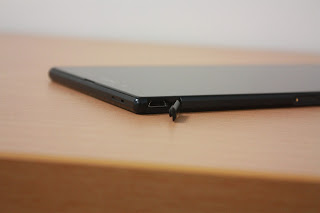 |
| MicroUSB Port |
A MicroUSB Port is found at the top left hand side of the device. The port is also MHL compatible, which means that you can connect the device with a MHL cable to have video out capabilities. Also, as the device is made to be waterproof, all ports are hidden by a cover.
 |
| When charging, you won't be able to close the cover as the MicroUSB cable will protrude |
The MicroUSB port may also face the same problem like the 3.5mm jack. That is why if you are looking to buy a flip styled smartphone case for the Xperia Z Ultra, always keep in mind the positions of the ports and usability issues that may arise because of the poor design of the cases. However, the vendors will always recommend you to use the official accessories which are provided by them.
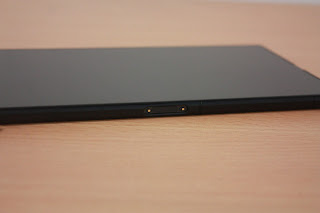 |
| Magnetic charger accessory support |
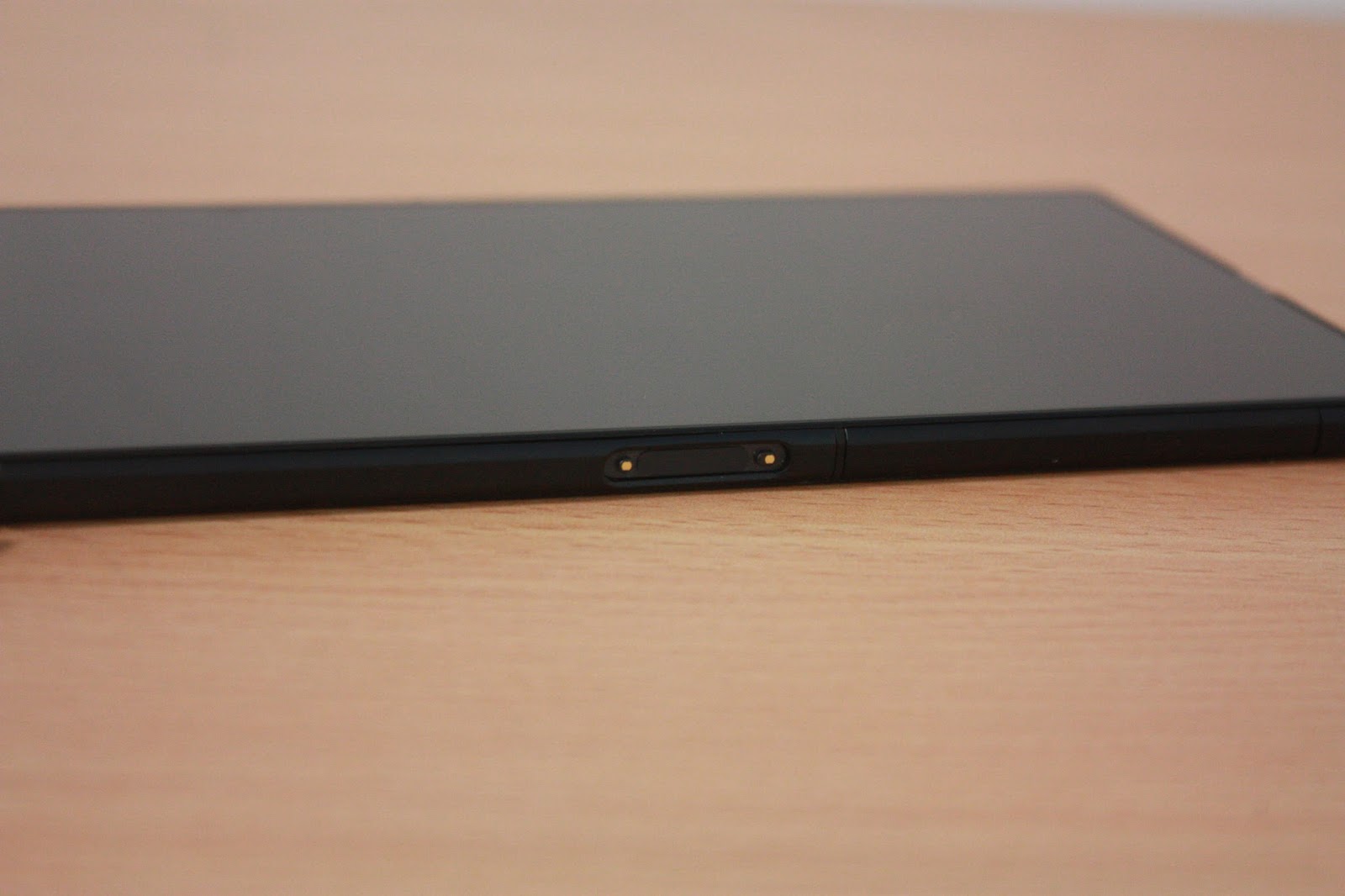
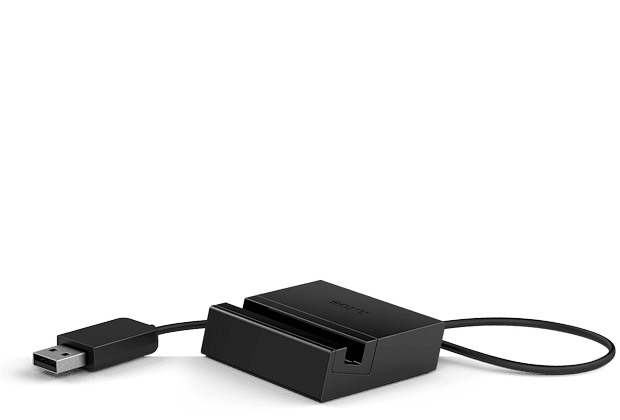
If you are wondering what these magnetic port for, it is used with the DK30 accessory which is given out free if you preorder the device with the telcos today. The dock also puts the phone in a nice viewing angle so that you can still work on it or watch videos on the device when charging. Of course, I believe that this magnetic port will allow the creation of a larger number of accessories for the smartphone from 3rd party manufacturers.
 |
| DK30 Dock |
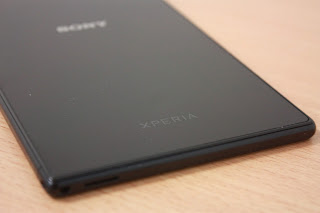 |
| Glossy back plastic |
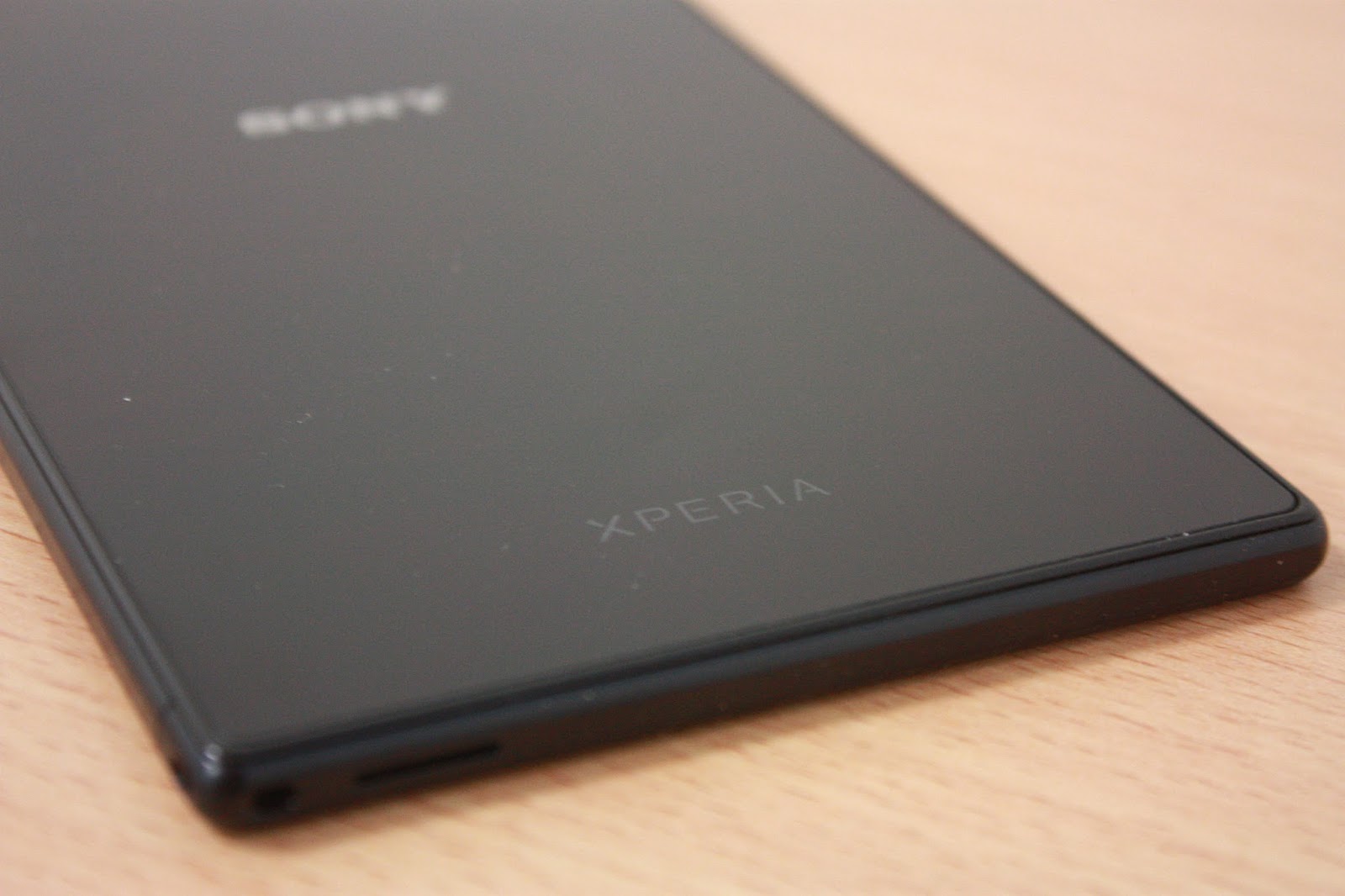
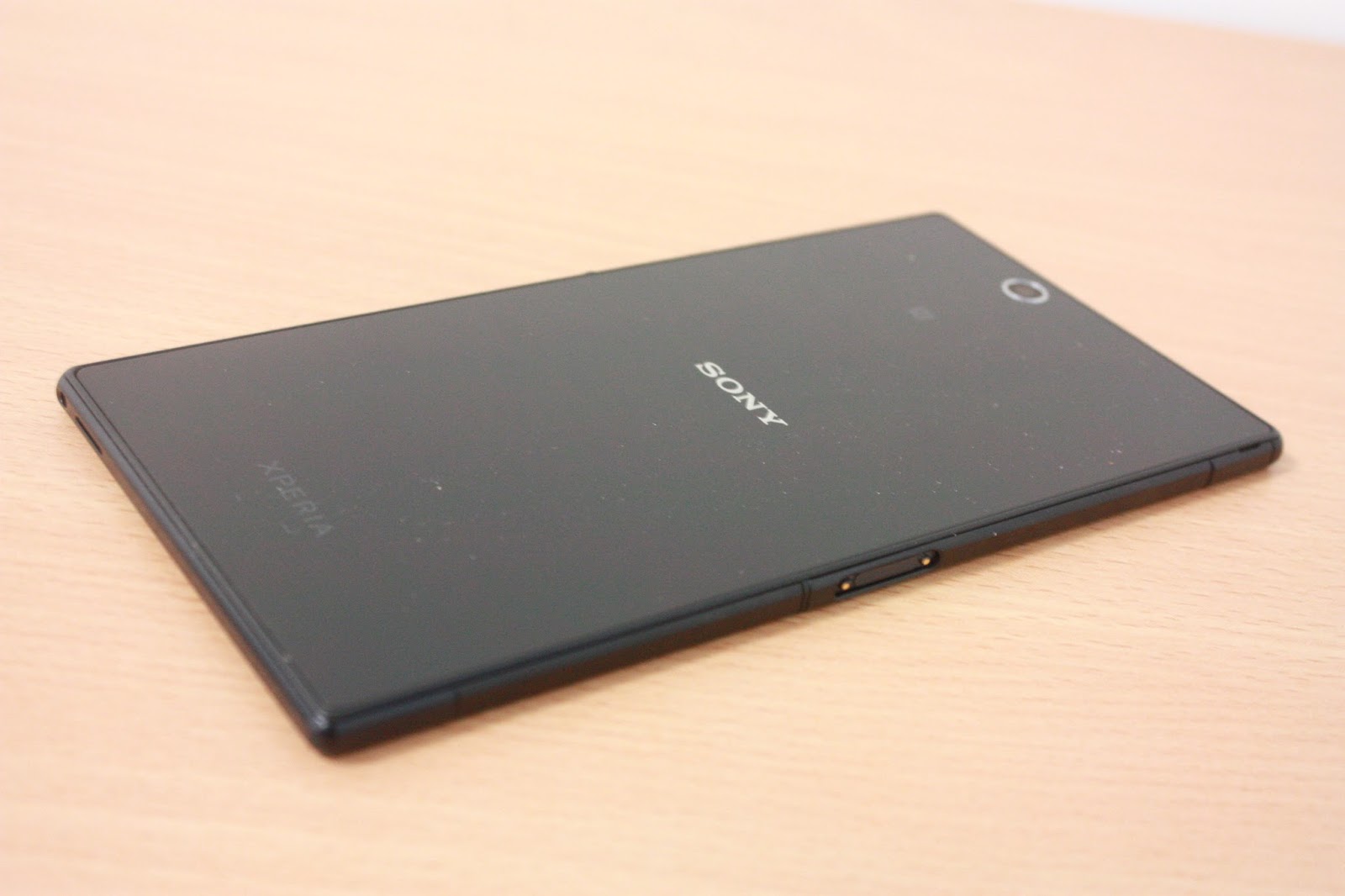
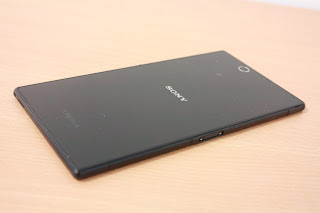
The back of the smartphone has a rather simplistic design. It has a simple XPERIA logo and branding at the bottom while have a Sony logo at the middle. The back of the device is made by a glossy plastic finish which makes it look extremely classy, but also at the same time could be a fingerprint magnet.
 |
| Back housing |
 |
| Camera and NFC area |
The NFC reception area is strategically placed near the top of the device. This is because users will hold the device at the bottom when trying to tap it to other devices, making the top of the device the first point of contact with the receiving end. Similarly, the camera module is also placed at the top like any other smartphones on the market. Do note that the Xperia Z Ultra does not come with a flash module which is seen as one of the reasons why people aren't getting the smartphone if they are looking for a good camera phone.
 |
| Can be nicely held in hands |
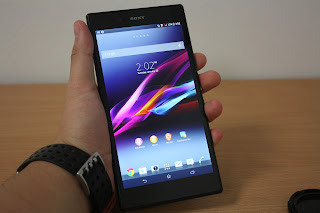
Although the smartphone is huge at 6.44-inch, it can be held comfortably in the hands because it has a very thin bezel design. Unlike those devices which are rated at 7-inch, they look much bigger and bulkier because they have a very ugly thick bezel. Because of the thin bezel, the Xperia Z Ultra should also be named as one of the sexiest smartphone on the market right now.
 |
| Size comparison with iPhone 5 |
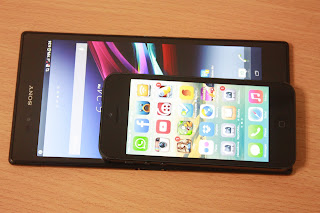
Just to give you an idea what does 6.44-inch mean, here is a comparison of the Xperia Z Ultra to the Apple iPhone 5. You get about 4 times the viewing space for the screen at an ultra high picture resolution. We will talk more about the screen and other parts of the smartphone in the upcoming review sections.
For the LATEST tech updates,
FOLLOW us on our
Twitter
LIKE us on our
FaceBook
SUBSCRIBE to us on our
YouTube Channel!